
Fast, Reliable & Expert Mail-In Service for All ROG Liquid Damage Issues
Liquid damage is one of the most dangerous problems your ROG laptop can face. Our certified technicians provide a professional Mail-In Service that brings your device back to life with advanced cleaning, board-level repairs, and complete diagnostics.

Comprehensive ROG Laptop Liquid Damage Repair and Recovery
Liquid damage can cause instant or delayed problems in an ROG laptop, affecting the motherboard, keyboard, battery, trackpad, SSD, and internal components. Our ROG Laptop Liquid Damage Repair Mail-In Service is designed to provide a safe, dependable, and affordable solution for customers nationwide.
When a laptop comes in through our Mail-In Service, we begin with a full inspection to determine how far the damage has spread. Water, coffee, juice, or any type of liquid can leave corrosion on the motherboard. If untreated, this can lead to short circuits, overheating, or total system failure. That’s why our service includes professional ultrasonic cleaning, micro-soldering, and part replacement when needed.
We repair liquid damage on all ROG laptop models, including ROG Strix, Zephyrus, Flow, Scar, Hero, and more. Whether the device won’t turn on, shows keyboard malfunction, charging issues, flickering screen, or random shutdowns — our expert Mail-In Service ensures top-quality repair with a high success rate.
With nationwide Mail-In Service, fast turnaround, and transparent diagnostics, you get a reliable repair solution without visiting a shop physically.
The Professional Ultrasonic Cleaning Process
When you bring your device in for a laptop water damage repair service, the most important step is the ultrasonic bath. The motherboard is completely stripped of all stickers, heat sinks, and CMOS batteries. It is then submerged in a specialized solution while high-frequency sound waves create microscopic bubbles that “implode” against the board.
This process reaches deep beneath “BGA” chips—like the graphics processor and CPU—where manual cleaning with a brush cannot reach. This removes every trace of sugar, minerals, and corrosion. Following the bath, the board is dried in a controlled oven and then inspected under a high-power microscope to see if any “traces” (the tiny wires inside the board) need to be rebuilt using micro-soldering.
Common Signs of a Water Damaged Laptop
Not all liquid damage is immediately obvious. Here are key symptoms to watch for:
Laptop Won’t Turn On
This is often caused by short circuits or power system failure.
Keyboard Malfunction
Sticky, unresponsive, or randomly typing keys are common after spills.
Display Issues
A ROG water damage laptop screen may show: Flickering, Dark spots, Lines or discoloration
Corrosion Over Time
Even if the laptop initially works, corrosion can slowly degrade internal circuits.
Overheating or Strange Noises
Damaged components can disrupt cooling systems and performance.
Why ROG Hardware Needs Specialized Repair?
ROG laptops are not built like standard office machines; they are precision-engineered for thermal performance. This means they often feature intricate “Intelligent Cooling” systems with multiple heat pipes and dense fin stacks.
During an ROG Laptop Liquid Damage Repair, liquid often gets trapped beneath these heat pipes, where it can sit for days, slowly corroding the components that keep your high-end GPU cool.
Furthermore, many modern ROG laptops utilize liquid metal thermal compound rather than traditional paste. If water mixes with liquid metal, it can cause the conductive material to shift or leak onto other parts of the board, causing an instant and permanent short.
A professional laptop water damage repair service knows how to safely remove, clean, and reapply these specialized materials without damaging the silicon
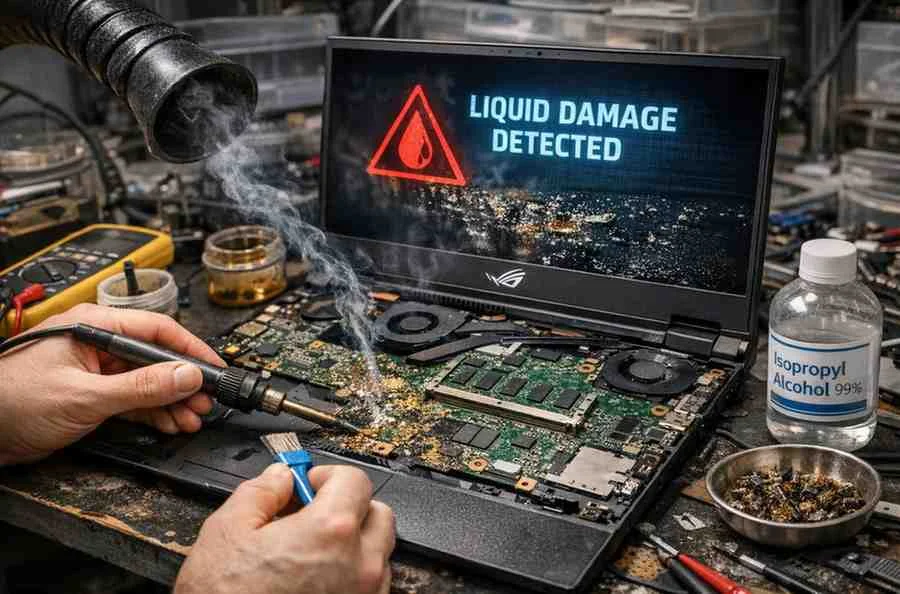
Diagnostic Challenges of an ROG Water Damage Laptop Screen
Liquid damage rarely stays confined to the keyboard. Because of the way many ROG models are ventilated, liquid can easily seep into the bottom of the display assembly. This often results in an ROG water damage laptop screen displaying symptoms like vertical lines, “cloudy” patches within the backlight layers, or a complete lack of an image despite the laptop powering on.
The display connector (EDP cable) on the motherboard is a high-voltage point. Even a tiny drop of water here can blow a backlight fuse or burn the connector pins entirely. During the restoration process, technicians must inspect both ends of the display cable for green or black oxidation. If the liquid has reached the layers of the LCD panel itself, a replacement is usually required, as these layers cannot be “cleaned” without leaving permanent visual artifacts.
More About Our ROG Laptop Repair Services









Frequently Asked Questions
Yes. Our Mail-In Service specializes in liquid-damaged ROG laptops. Once your device arrives, we perform a complete inspection, clean the corrosion, and repair or replace faulty components. Many laptops that won’t turn on can still be recovered with professional treatment.
Turn it off, unplug the charger, and avoid trying to power it on. Liquid can cause short circuits if the device stays active. Send it to us using our Mail-In Service as soon as possible so professionals can clean and repair internal components safely.
The usual repair window is 2–5 days once we receive the laptop. Severe corrosion or motherboard-level damage may require extra time. We update you at every stage during our Mail-In Service process so you always know the status.
In many cases, yes. Replacing an ROG motherboard or buying a new laptop is far more expensive. Our professional Mail-In Service restores most liquid-damaged systems at a fraction of the cost, making it a smart and budget-friendly choice.
Water, coffee, tea, juice, soda, and energy drinks all cause corrosion. Sugary and acidic liquids damage the motherboard faster. No matter the spill type, our Mail-In Service is equipped to treat all levels of damage.