
- Home
- Laptop Brands
- Gigabyte Laptop Keyboard Repair
Gigabyte Laptop Keyboard and Touchpad Repair – Professional Mail-In Service
Restore your Gigabyte laptop’s keyboard and touchpad functionality with our expert Keyboard and Touchpad Repair using reliable Mail-In Service. Fast, secure, and convenient repair without leaving home.

Is your Gigabyte laptop touchpad not working, or are some keyboard keys unresponsive? You’re not alone. Thousands of laptop owners face frustrating keyboard and touchpad issues that disrupt work, slow productivity, and sometimes halt operations entirely. From spilled coffee to natural wear and tear, these issues are common—but they don’t have to be permanent.
At our professional Gigabyte laptop keyboard and touchpad repair service, we specialize in restoring your device to full functionality. Whether you need a Gigabyte laptop keyboard and touchpad repair mail-in service or in-person assistance in Las Vegas and nearby areas, we’ve got you covered. Our certified technicians handle each laptop with care, ensuring every key responds perfectly and every touchpad glides smoothly.
By choosing our service, you get more than just a repair—you get peace of mind. With secure mail-in laptop repair for keyboard and touchpad issues, fast turnaround, and long-lasting results, you can focus on what matters most without worrying about technical glitches.
In this guide, we’ll cover everything you need to know about Gigabyte laptop touchpad repair, including common problems, repair solutions, maintenance tips, and why professional service is the safest route. By the end, you’ll have all the information to make an informed decision and get your laptop working like new again.
Why Touchpad Repair is Essential for Gigabyte Laptops
Laptop keyboards and touchpads are engineered for high performance, but they can fail due to a variety of reasons. Knowing the cause helps you prevent future issues and ensures proper repair.
Common Causes of Keyboard and Touchpad Issues
- Spills and Liquids: Water, coffee, or soda can short-circuit internal connections.
- Wear and Tear: Heavy daily use gradually degrades key mechanisms.
- Dust and Debris: Crumbs or dirt lodged under keys can prevent proper function.
- Software Conflicts: Corrupted drivers or system updates may cause unresponsiveness.
- Physical Damage: Dropped laptops or pressure on the touchpad can impair functionality.
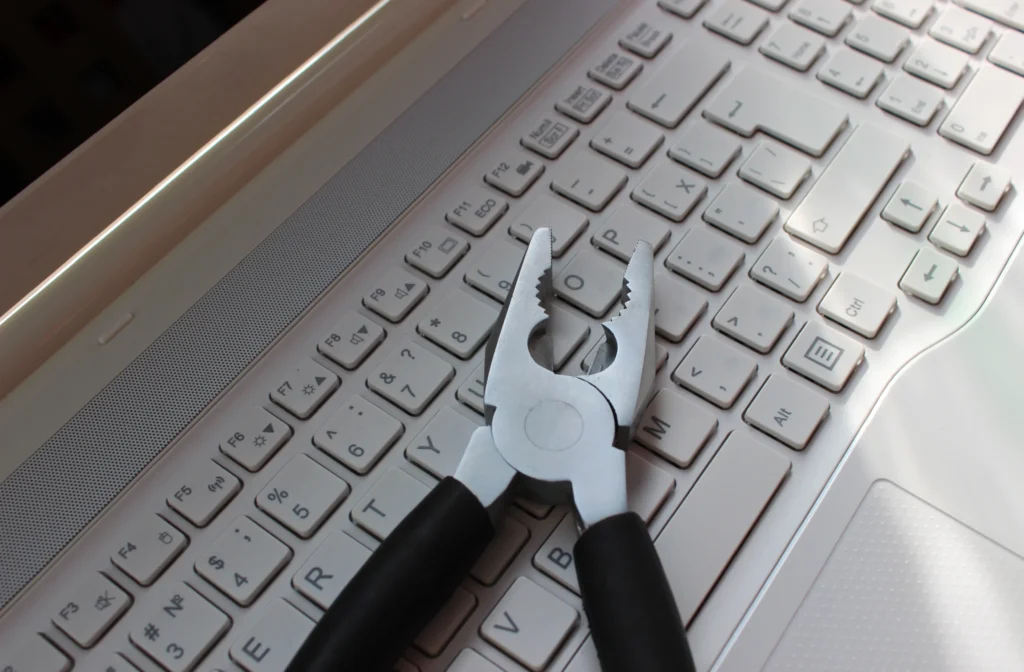
How Hinge and Frame Damage Affects Touchpad Performance
Most users assume touchpad issues are isolated—but they’re rarely standalone.
When hinges loosen or frames crack:
- Internal cables may stretch or disconnect
- Pressure points shift, affecting internal alignment
- Motherboard connections can weaken
The Hidden Connection
Your touchpad relies on delicate internal wiring. Even slight structural damage can:
- Interrupt signals
- Cause intermittent failures
- Lead to permanent hardware damage
Combining laptop touchpad repair with structural repair ensures lasting results
More About Our Gigabyte Laptop Repair Services





Professional Touchpad Repair Process
Expert repair isn’t just a quick fix—it’s a complete diagnostic and restoration service.
Initial Inspection
Check touchpad responsiveness Inspect hinge and frame integrity
Internal Diagnostics
Test ribbon cables and connectors Identify motherboard or hardware faults
Repair or Replacement
Fix loose connections Replace damaged touchpad components
Structural Reinforcement
Repair hinges and frame Ensure long-term durability
Final Testing
Multi-point functionality testing Smooth cursor and gesture validation
Benefits of Mail-In Laptop Repair Service
Convenience meets professionalism.
Our mail-in laptop repair service is perfect for busy individuals and businesses in Las Vegas and beyond.
Why choose mail-in repair?
- No need to travel
- Secure and trackable shipping
- Expert technicians handle your device
- Faster turnaround than local shops
Common Gigabyte Touchpad Issues We Fix
We handle a wide range of problems, including:
Hardware Issues
Broken or cracked touchpad Faulty internal connectors Water or liquid damage
Software-Related Problems
Driver conflicts Firmware issues
Structural Problems
Frame pressure affecting touchpad Hinge damage causing misalignment
When to Choose Touchpad Replacement Over Repair
Not all issues can be repaired. Replacement is necessary when:
- Touchpad is physically cracked
- Severe water damage is present
- Internal circuits are beyond repair
Signs you need replacement:
- No response at all
- Visible damage
- Repeated failure after repair
Frequently Asked Questions
Our Mail-In Service is secure and simple. You ship your Gigabyte laptop to our repair center, technicians diagnose keyboard and touchpad issues, repair or replace affected components, fully test functionality, and return it safely.
Signs include unresponsive keys, sticky or jammed buttons, erratic cursor movement, or touchpad gestures not working. Our Gigabyte Laptop Keyboard and Touchpad Repair Mail-In Service restores all these issues professionally.
Yes, our Mail-In Service includes replacement with original or high-quality compatible keyboards and touchpads. Every repair ensures accurate typing, smooth navigation, and full compatibility with your Gigabyte laptop.
Repairs generally take 2–4 business days after receiving the laptop. The exact time depends on parts availability and complexity, but our Mail-In Service guarantees fast, reliable, and professional service.
Yes, our Mail-In Service ensures secure handling. Laptops are packaged carefully, repaired by certified technicians, fully tested, and returned safely, ensuring peace of mind and professional care throughout the process.