
- Home
- Laptop Brands
- Gigabyte Laptop Fan
Gigabyte Laptop Fan and Cooling System Repair
Keep your Gigabyte laptop running cool and efficiently with our expert Fan and Cooling System Repair using fast and reliable Mail-In Service. Safe, professional, and convenient repairs without visiting a shop.

Overheating is a common issue in Gigabyte laptops, caused by dust buildup, worn-out fans, or malfunctioning cooling systems. Prolonged overheating can damage internal components, reduce performance, or even shorten your laptop’s lifespan. Our Gigabyte Laptop Fan and Cooling System Repair Mail-In Service is designed to restore proper airflow, cooling efficiency, and prevent future overheating problems.
With our Mail-In Service, you simply package your laptop securely and send it to our repair center. Certified technicians carefully disassemble the laptop, clean dust and debris from fans and vents, replace faulty fans, and repair or replace any damaged components in the cooling system. We ensure optimal thermal performance so your laptop maintains stable temperatures during high-performance tasks like gaming, editing, or multitasking.
Every repair completed through our Gigabyte Laptop Fan and Cooling System Repair Mail-In Service includes full testing. We check fan speeds, thermal sensors, system temperatures, and overall laptop performance. Our professional Mail-In Service is a convenient, safe, and effective solution for maintaining your laptop’s cooling system, preventing overheating, and extending its lifespan.
Why Laptop Cooling Systems Fail
Laptop cooling systems, especially in high-performance models like Gigabyte laptops, are prone to wear and tear over time. Common causes include:
- Dust buildup: Tiny particles accumulate in vents and fans, restricting airflow.
- Fan failure: Worn-out or noisy fans fail to circulate air efficiently.
- Thermal paste degradation: Old or poorly applied thermal paste reduces heat transfer from CPU/GPU.
- Overheating due to workload: Intensive gaming, video editing, or multitasking can stress your system.
Ignoring these issues can lead to overheating laptops, poor thermal performance, and permanent hardware damage.
Signs Your Gigabyte Laptop Needs a Cooling System Repair
It’s crucial to recognize early warning signs to prevent severe damage. Watch for:
- Excessive fan noise even during light tasks
- Laptop surface becomes unusually hot
- Frequent system slowdowns or thermal throttling
- Unexpected shutdowns during gaming or heavy usage
- Error messages indicating overheating
If you notice one or more of these issues, it’s time for a professional laptop fan repair service.






Tips to Prevent Laptop Overheating
After repair, these steps maintain your laptop’s cooling efficiency:
- Keep vents clean and dust-free
- Avoid placing laptops on soft surfaces
- Monitor CPU and GPU temperatures
- Replace thermal paste every 1–2 years
- Avoid heavy workloads during high ambient temperatures
These practices minimize the risk of future overheating and reduce the need for frequent repairs.
Common Causes of Overheating
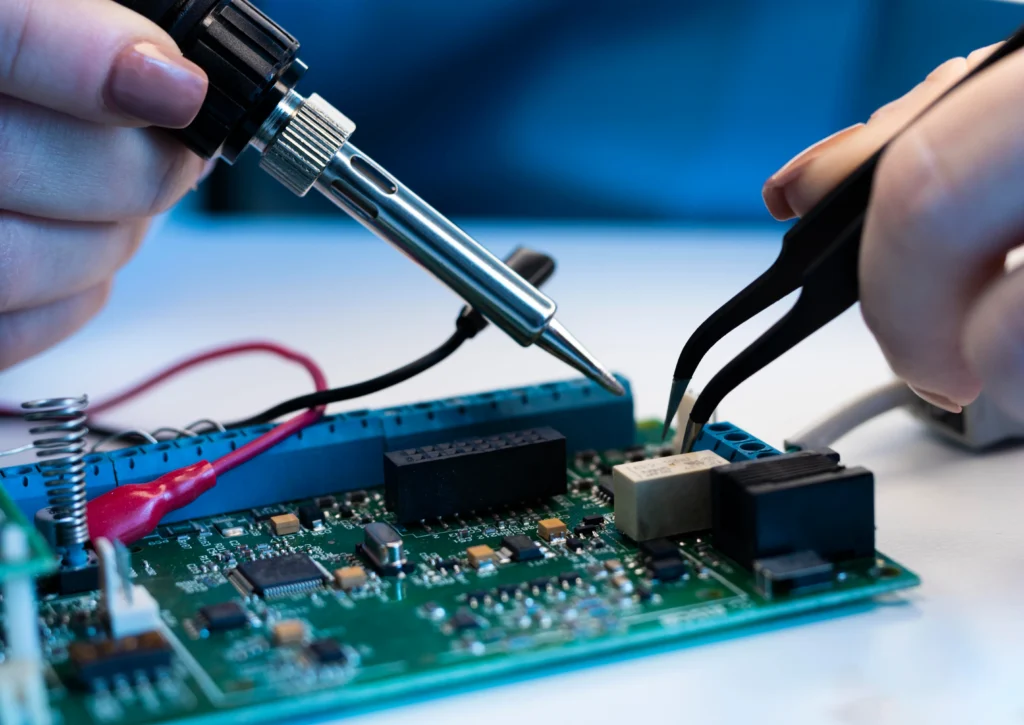
Many users notice their Gigabyte laptops heating excessively, even during routine tasks. Overheating is not just uncomfortable — it can seriously affect your laptop’s performance and longevity. Understanding the root causes is key to choosing the right repair service.
Dust accumulation
Dust can block fans and heat sinks, reducing airflow and causing heat buildup.
Aging thermal paste
Over time, the thermal paste between the CPU/GPU and heat sink dries out, reducing heat transfer.
Malfunctioning fans
Broken or slow fans fail to circulate air effectively.
High-performance workloads
Gaming, video editing, and software development can push laptops beyond their thermal limits.
Poor airflow design
Placing your laptop on soft surfaces can block vents and trap heat.
Professional Laptop Fan Repair Service for Overheating Problems
A malfunctioning fan is one of the primary causes of laptop overheating. Our laptop fan repair service focuses on diagnosing and repairing fan issues to restore optimal cooling.
Signs You Need a Fan Replacement
- Loud, unusual, or inconsistent fan noise
- Temperature spikes during basic tasks
- Sudden shutdowns or system crashes
- Reduced laptop performance
Benefits of Restoring Proper Airflow in Gigabyte Laptops
When you restore proper airflow in Gigabyte laptops, you aren't just fixing a noise issue. You are effectively "unlocking" the performance that has been hidden by thermal throttling. Modern processors have "boost clocks" that only trigger if the temperature stays below a certain threshold.
Longevity
Keep your solder joints from cracking due to thermal expansion.
Efficiency
A cool laptop uses less power and has a longer battery life.
Acoustic Comfort
New, clean fans don't need to spin at 100% to keep things cool, leading to a quieter workspace.
Gigabyte Models We Frequently Service
Our technicians have hands-on experience with the full range of Gigabyte laptop lines, including:
- AORUS 5, 7, 15, 17 — High-performance gaming laptops notorious for intensive thermal loads and frequent dust accumulation
- AORUS 15P / 17G / 17X — Workstation-grade gaming machines requiring precise thermal management and premium-grade thermal paste
- Gigabyte G5 / G7 — Mid-range gaming laptops with compact cooling designs that are prone to rapid dust buildup
- Gigabyte Aero 15 / 16 / 17 — Creator-focused laptops running demanding GPU workloads that generate significant sustained heat
Mail-In Laptop Fan and Cooling System Repair
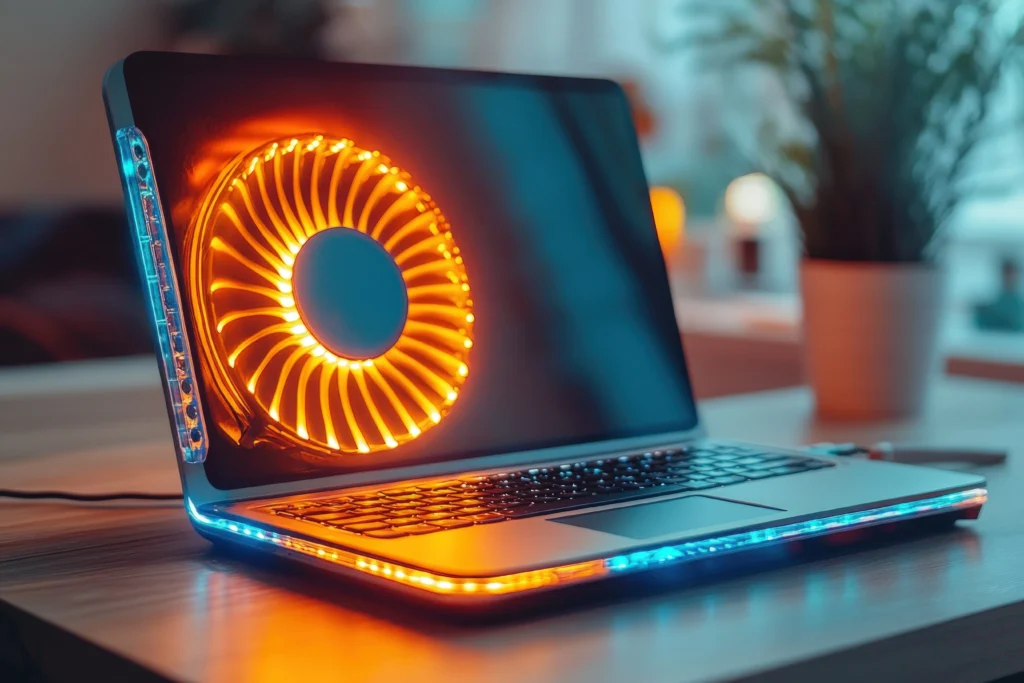
For customers nationwide, our mail-in laptop fan replacement service makes repair convenient and accessible.
How Mail-In Service Works
- Schedule a service online.
- Securely ship your laptop to our technicians.
- Certified experts perform diagnostics, fan replacement, and cooling system repair.
- Thermal performance is optimized, and laptop is tested.
- Laptop is shipped back with detailed repair notes.
Nationwide access ensures that even users outside major cities receive expert service without compromising quality.
Restore Your Gigabyte Laptop’s Performance Today
Your Gigabyte laptop is a high-performance machine that deserves high-performance care. Don’t let a failing Gigabyte laptop fan and cooling system repair need turn into a permanent hardware loss. Whether you’re dealing with frustrating thermal throttling, loud noises, or sudden shutdowns, our team in Las Vegas is here to help.
By choosing our safe and professional laptop fan repair service, you are choosing to extend the life of your device and ensure it runs at peak efficiency. We take pride in our precision, using only the best thermal materials and OEM-quality replacement parts.
Stop the heat before it stops you. Our certified technicians are ready to bring your temperatures back down to earth
Frequently Asked Questions
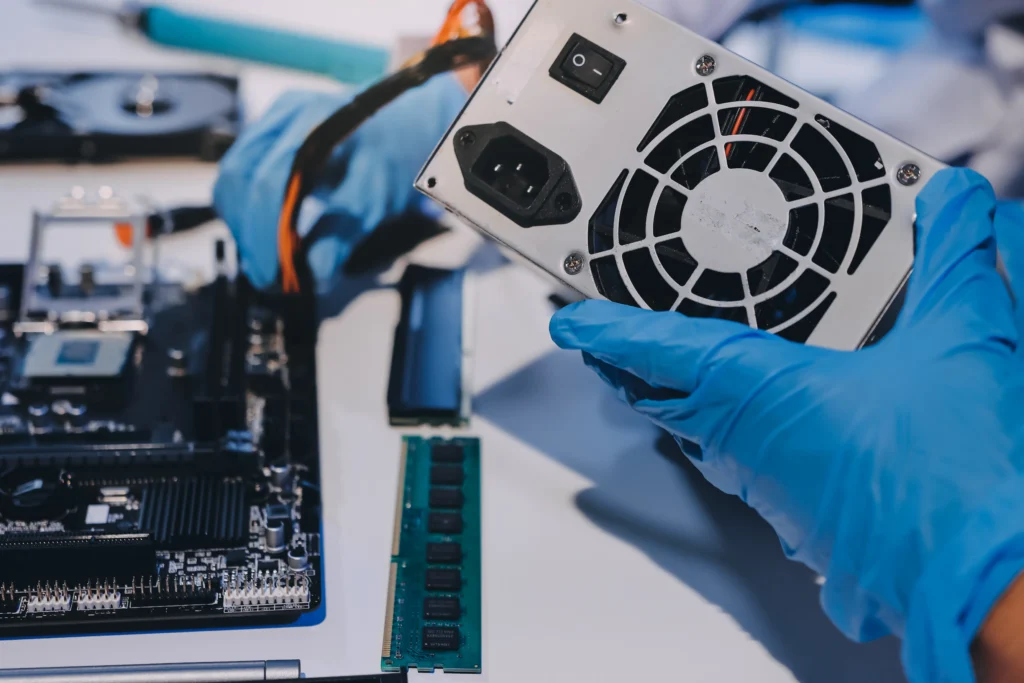
Our Mail-In Service is simple. You securely pack your Gigabyte laptop and ship it to our repair center. Technicians inspect the fans and cooling system, clean or replace components as needed, perform full testing, and return the laptop safely.
Common signs include excessive heat, loud fan noise, laptop shutting down unexpectedly, slow performance during heavy tasks, or unusual smells. Our Gigabyte Laptop Fan and Cooling System Repair Mail-In Service addresses all these issues professionally.
Yes, our Mail-In Service ensures safe handling at every step. Your laptop is securely packaged, repaired by trained technicians, tested thoroughly, and returned with protective packaging to guarantee full safety and peace of mind.
Most repairs through our Mail-In Service are completed within 2–4 business days after receiving your laptop. The exact time depends on the complexity of the cooling system issue, fan replacement, and thorough testing.
Yes, our Mail-In Service uses high-quality or original replacement fans and cooling components to ensure proper airflow, long-lasting performance, and stability. Each repair is performed to meet Gigabyte standards and maintain your laptop’s thermal efficiency.
Gigabyte’s standard warranty covers manufacturing defects, but most cooling issues caused by dust accumulation or normal component wear are not covered
We use premium-quality thermal compounds from reputable manufacturers, matched to the specific thermal requirements of your Gigabyte CPU and GPU configuration.