
- Home
- Laptop Brands
- Gigabyte Laptop Hard Drive
Gigabyte Laptop Hard Drive Replacement | Fast & Secure Mail-In Service
Get professional Gigabyte Laptop Hard Drive Replacement through our expert Mail-In Service, offering fast, safe, and reliable solutions to restore storage performance without visiting a repair shop.

With our Gigabyte Laptop Hard Drive Replacement Mail-In Service, you can restore your laptop’s storage performance without leaving your home or office. We specialize in fast, secure, and reliable repairs designed for both individuals and businesses in Las Vegas and nearby areas. Our certified technicians perform thorough diagnostics, identify issues, and replace your hard drive with a high-quality or original replacement, ensuring your laptop runs like new.
From secure installation to optional data transfer, testing boot cycles, and verifying read/write speeds, our service covers every detail. You don’t need to worry about traveling to a repair shop or risking your device in unprofessional hands. We handle your laptop with professional, safe handling from start to finish, making the process completely hassle-free.
Whether it’s a sudden hard drive crash or gradual performance slowdown, our Gigabyte Laptop Hard Drive Replacement Mail-In Service is the ultimate solution to regain speed, reliability, and peace of mind.
Why Hard Drive Replacement Matters
Your Gigabyte laptop’s hard drive is one of the most active components in the entire machine. Every time you open a file, launch an app, or save a document, the drive is spinning, reading, and writing thousands of times per second.
The Most Common Causes of Hard Drive Failure
Mechanical wear
Moving parts inside HDDs degrade over time, leading to read/write errors and eventual failure.
Physical impact
Dropping your laptop — even once — can damage the internal drive immediately.
Overheating
Poor ventilation causes the hard drive to run hot, accelerating component degradation.
Power surges
Sudden voltage spikes can corrupt the drive's firmware or physically damage its circuits.
Firmware corruption
Software-level failures can make a healthy drive completely unreadable.
Bad sectors
Small areas of the drive become unreadable, growing worse over time until the drive stops functioning entirely.
Benefits of Professional Hard Drive Replacement
Choosing a certified professional service over DIY methods or generic repair shops comes with several advantages:
- High-quality or original replacement drives ensure longevity and reliability
- Comprehensive diagnostics check read/write speeds and boot cycles
- Data protection protocols safeguard sensitive information
- Warranty-backed service gives peace of mind
- Time-saving solutions, especially with mail-in options
By opting for professional service, you also avoid the risk of incorrect installation or hardware damage that can occur with amateur attempts.
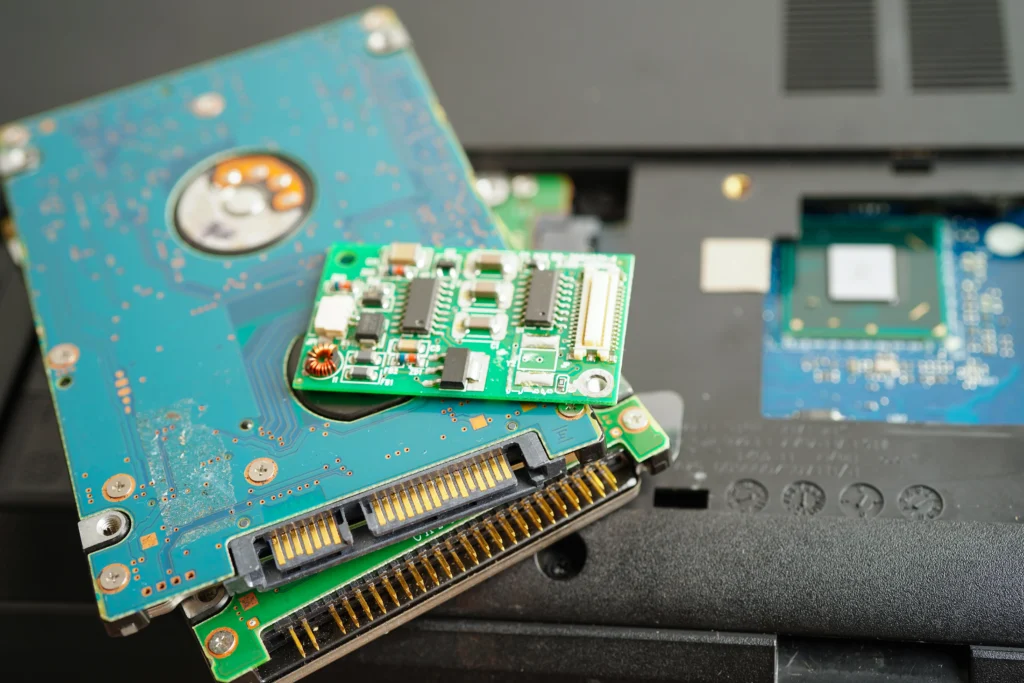





Choosing the Right Replacement Drive
Not all hard drives are created equal. Selecting the right drive depends on your usage and performance needs:
SSD
Faster boot times, improved durability, low energy consumption
HDD
Cost-effective, high-capacity storage
Hybrid drives
Combine SSD speed with HDD capacity
Our Gigabyte Laptop Hard Drive Replacement Mail-In Service
For business owners or users outside central repair locations, our mail-in service offers convenience without compromising quality. Here’s how it works:
- Pack your laptop securely using our shipping guidelines
- Send it to our service center with a tracking number
- Our certified technicians perform a full diagnostic and replacement
- Your laptop is tested for optimal storage performance and securely shipped back
Mail-in replacement is ideal for Las Vegas-based users who need fast, hassle-free service.
Common Mistakes to Avoid During DIY Replacement
DIY laptop hard drive replacement may seem cost-effective, but it carries risks:
- Static electricity can damage sensitive components
- Improper installation may void warranty
- Data loss without proper backup
- Choosing incompatible drives reduces performance
Professional technicians mitigate these risks while providing warranty-backed, reliable results.
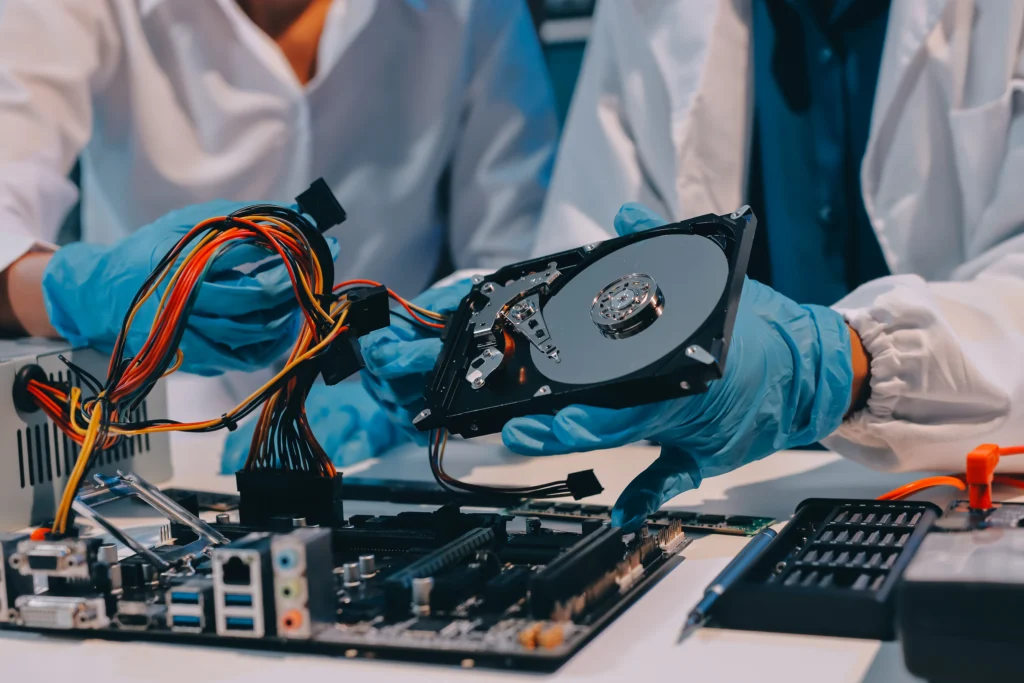
Step-by-Step Hard Drive Replacement Process
Professional replacement involves careful handling to prevent damage and data loss. Here’s a simplified overview:
Diagnostic Check
Assess existing drive’s health Check boot cycles, read/write speeds, and overall performance
Data Backup
Secure backup of important files Optional cloning for direct transfer to the new drive
Replacement Installation
Remove old hard drive carefully Install the new SSD/HDD Ensure proper connection and functionality
System Optimization
Test boot times and performance Verify all data and applications are intact Install latest drivers and updates
Tips for Maintaining Your New Hard Drive
Extend the life of your replacement drive with simple practices:
- Regularly back up important files
- Avoid sudden shutdowns or power surges
- Keep your system malware-free
- Schedule periodic diagnostics for health monitoring
- Use energy-saving settings for laptops with SSDs
Maintaining your hard drive helps prevent future replacements and preserves system speed.
Frequently Asked Questions
Our Mail-In Service is easy and secure. You package your Gigabyte laptop and ship it to our repair center. Technicians assess the existing hard drive, replace it with a high-quality one, perform testing, and ship it back safely.
Signs include slow performance, frequent freezing, clicking noises, corrupted files, system crashes, or the laptop failing to boot. Our Gigabyte Laptop Hard Drive Replacement Mail-In Service addresses all these issues professionally and efficiently.
Yes, our Mail-In Service is completely secure. Your laptop is handled with care, repaired by certified technicians using professional tools, fully tested for performance, and returned safely in secure packaging.
Most hard drive replacements through our Mail-In Service take 2–3 business days after receiving your laptop. Shipping time varies by location, but repairs are completed quickly and efficiently for minimal downtime.
Yes, our Mail-In Service includes optional data transfer. Our technicians can securely copy your files to the new hard drive, ensuring no data is lost while replacing your Gigabyte laptop’s storage.