
- Home
- Laptop Brands
- Dynabook Laptop Repair
Dynabook Laptop Fan and Cooling System Repair
Keep your Dynabook laptop running cool and stable with our expert fan and cooling system repair through our fast and reliable Mail-In Service.

Laptops today are more powerful than ever—but with that power comes heat. If your Dynabook laptop is overheating, making loud fan noises, slowing down, or shutting off unexpectedly, the issue often lies within the cooling system. When airflow becomes restricted or cooling components fail, temperatures can rise quickly and damage critical hardware.
This is where professional Cooling System Replacement becomes essential. Instead of struggling with overheating issues or risking permanent damage, a professional repair service can restore proper airflow, reduce internal heat, and return your laptop to peak performance.
Our Dynabook laptop fan and cooling system repair service in Las Vegas provides a complete solution for overheating problems. From replacing faulty fans to cleaning internal components and applying fresh thermal paste, our technicians ensure your device runs cooler, quieter, and more efficiently.
Whether you use your laptop for business, work-from-home tasks, school, or gaming, a reliable cooling system is crucial. Ignoring overheating issues can lead to motherboard damage, processor failure, and expensive replacements.
Fortunately, with professional Dynabook laptop overheating repair, you can extend the lifespan of your laptop and keep it operating smoothly for years to come
What Causes Dynabook Laptop Overheating
Overheating is usually caused by a failure within the laptop’s internal cooling system. Dynabook laptops are designed with compact cooling components that regulate heat generated by the processor and graphics chip.
Dust Buildup
Dust accumulation inside the laptop blocks ventilation and prevents airflow. Even a small amount of debris inside the cooling fan can dramatically reduce efficiency.
Aging Cooling Fans
Cooling fans spin thousands of times every minute. After years of use, the bearings may wear down, causing loud noise or reduced performance.
Thermal Paste Degradation
Thermal paste transfers heat from the CPU to the heatsink. As it ages, the paste dries out and loses its heat-conducting properties.
Blocked Air Vents
Using laptops on beds, couches, or soft surfaces can block air intake vents and trap heat inside the device.
High Workloads
Running heavy programs such as video editing software, gaming applications, or large spreadsheets increases internal heat production.
Preventing Future Laptop Overheating
While professional repair restores cooling performance, users can take steps to prevent overheating in the future.
Quick Tips
Keep ventilation ports clean
Use laptops on hard, flat surfaces
Avoid blocking air vents
Perform periodic internal cleaning
Use cooling pads during heavy workloads
Regular maintenance can significantly extend the life of your laptop.
Dynabook Laptop Fan Replacement
Replacing a failing fan is one of the most common repair services for overheating laptops.
Step-by-Step Process:
- Power off the laptop and remove the battery.
- Open the laptop casing carefully, following manufacturer guidelines.
- Disconnect the old fan and remove it from the heatsink assembly.
- Install a compatible replacement fan, ensuring proper alignment.
- Test the fan operation before reassembling.
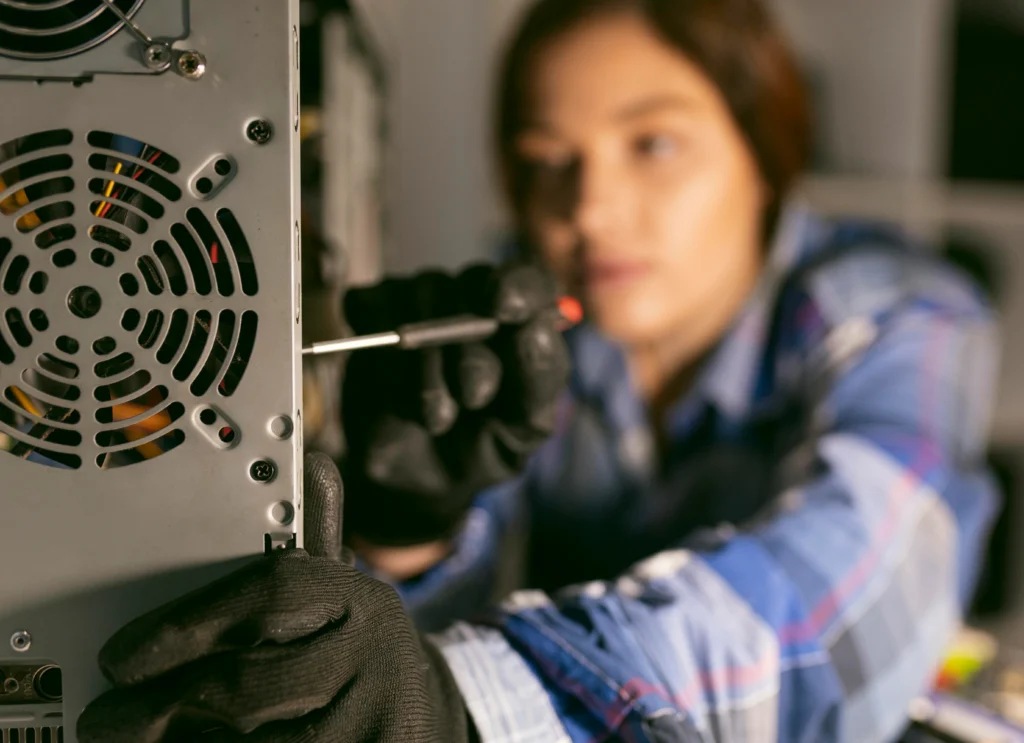
Thermal Paste Replacement – Why It Matters
Thermal paste bridges the gap between your CPU/GPU and heatsink, facilitating heat transfer. Over time, it dries out and becomes ineffective.
Steps to Replace Thermal Paste:
- Remove old paste using isopropyl alcohol and a lint-free cloth.
- Apply a thin, even layer of high-quality thermal paste.
- Reattach the heatsink and fan assembly.
More About Our Dynabook Laptop Repair Services
We provide expert repair solutions for all Dynabook laptop models. Whether it’s hardware issues, software troubleshooting, battery replacement, screen repair, or performance optimization, our certified technicians ensure your device runs like new. Using genuine parts and advanced diagnostic tools, we deliver reliable, fast, and affordable services to keep your laptop in top condition.





Dynabook Laptop Repair Services in Las Vegas
Our repair center provides comprehensive solutions for Dynabook laptops used by businesses, professionals, and students across Las Vegas.
Services include:
Dynabook laptop overheating repair
Dynabook laptop fan repair
Dynabook cooling fan replacement
Dynabook thermal paste replacement service
Every repair is performed by experienced technicians using professional diagnostic equipment.
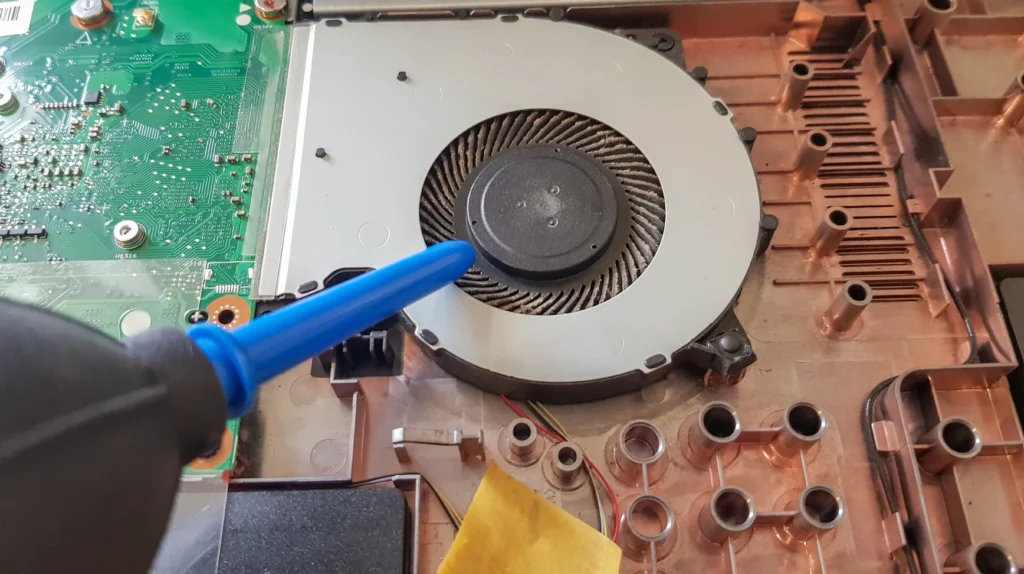
Cleaning and Maintaining Your Cooling System
Regular maintenance prevents overheating before it starts.
Cleaning Checklist:
- Remove dust from fans and vents using compressed air.
- Clean the heatsink fins to restore airflow.
- Check for loose screws or misaligned fan mounts.
- Inspect for any damaged wiring or connectors.
Signs You Need Cooling System Repair
Ignoring early warning signs can lead to costly repairs. Here’s what to look for:
- Laptop shuts down unexpectedly during work or gaming.
- Excessive fan noise, even under low usage.
- Hot keyboard or chassis, making it uncomfortable to touch.
- Sluggish performance due to thermal throttling.
- Frequent system crashes or freezes.
If you notice any combination of these signs, it’s time for Dynabook laptop cooling system repair.
Frequently Asked Questions
Our Mail-In Service is simple and convenient. You ship your Dynabook laptop to our repair center, we diagnose cooling issues, repair or replace the fan, clean internal components, apply new thermal paste, and ship it back quickly. This ensures expert repair without needing to visit a physical shop.
If your Dynabook laptop becomes too hot, shuts down unexpectedly, feels unusually warm, makes loud fan noises, or slows down during simple tasks, these are strong signs that your cooling system requires professional attention through our Mail-In Service.
Yes. Extended overheating can harm the CPU, GPU, motherboard, and battery. It can also reduce the overall lifespan of your device. That’s why using our Mail-In Service for Dynabook Laptop Fan and Cooling System Repair is essential to prevent long-term hardware damage.
Most Mail-In Service repairs for fan and cooling issues are completed within 24–48 hours after receiving your laptop. We prioritize fast turnaround times while maintaining high-quality repair standards to ensure your Dynabook returns quickly and working perfectly.
Absolutely. Proper cleaning and applying high-quality thermal paste can significantly reduce temperatures, improve performance, and make the laptop quieter. Our Mail-In Service ensures the entire cooling system is professionally restored for optimal heat management.