
- Home
- Laptop Brands
- Dynabook Laptop Repair
Dynabook Laptop Hard Drive Replacement | Expert Mail-In Service
Get your Dynabook laptop running like new again with our expert Mail-In Service for hard drive replacement. We offer quick diagnostics, secure data handling, and professional installation with guaranteed performance improvement.

Is your Dynabook laptop running slower than it used to? Do you hear strange clicking noises from your hard drive, or has it stopped working altogether? You’re not alone—millions of laptop users face performance issues due to aging or failing hard drives. A sluggish laptop can disrupt work, slow productivity, and even risk your important data.
At nationwide laptop repair, we specialize in Dynabook Laptop Hard Drive Replacement, offering a fast, reliable, and professional mail-in service designed to restore your device’s performance and security. Whether your hard drive has failed, slowed down, or you simply want to upgrade to a faster SSD, our certified technicians handle the entire process from diagnostics to installation.
With our mail-in hard drive replacement for Dynabook, there’s no need to search for a local repair shop or worry about unreliable technicians. Every step of the process—secure shipping, expert repair, data cloning, and system optimization—is performed with precision and care. You’ll get your laptop back running faster, smoother, and ready to tackle work or personal projects without compromise.
More About Our Dynabook Laptop Repair Services
We provide expert repair solutions for all Dynabook laptop models. Whether it’s hardware issues, software troubleshooting, battery replacement, screen repair, or performance optimization, our certified technicians ensure your device runs like new. Using genuine parts and advanced diagnostic tools, we deliver reliable, fast, and affordable services to keep your laptop in top condition.





Choosing Between HDD and SSD for Your Dynabook
Hard Disk Drive (HDD)
Pros: Larger storage, lower cost per GB
Cons: Slower read/write speeds, prone to mechanical failure
Solid State Drive (SSD)
Pros: Faster boot and load times, more durable, energy-efficient
Cons: Higher cost per GB
Why Dynabook Laptops Experience Hard Drive Issues
Hard drives, whether HDDs or SSDs, are mechanical and electronic components that naturally degrade over time. Common causes of hard drive problems include:
Overheating due to poor ventilation
Power surges or sudden shutdowns
Wear and tear from extensive daily use
Physical damage or accidental drops
Malware or file corruption
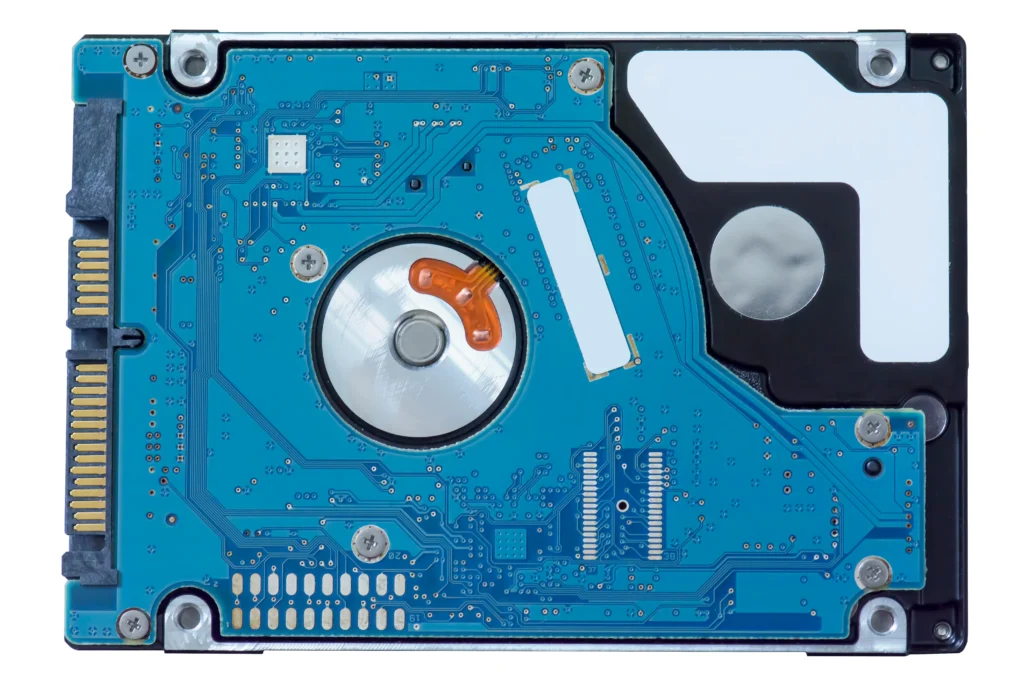
Secure Data Handling and Privacy Guarantees
In an era of identity theft, your privacy is our priority. Whether you are a law firm in Downtown Vegas or a healthcare provider, your data contains sensitive information. We adhere to strict data protection standards during every laptop hardware repair mail-in service.
We never browse through your personal files. Our technicians use automated tools to verify data integrity without manual interference. Once your old drive is replaced, we can either return it to you or provide a certified data destruction service.
Secure data handling is why local businesses trust us with their fleet of Dynabook laptops. We provide a chain of custody for every device, ensuring that your digital life remains private and protected.
Benefits of Dynabook Laptop Hard Drive Replacement
Upgrading or replacing your Dynabook hard drive provides immediate advantages:
Enhanced Performance
Faster boot times Quicker application launches Smooth multitasking
Increased Storage Capacity
Upgrade to higher-capacity SSDs or HDDs Store large files without slowdown
Data Security and Reliability
Professional data cloning and backup Reduced risk of drive failure
Cost Efficiency
Avoid purchasing a new laptop Extend your device’s lifespan
Fast and Reliable Dynabook Laptop Repair Service in Las Vegas
Las Vegas is a city that never sleeps, and neither should your business. We offer a fast and reliable Dynabook laptop repair service designed to minimize downtime. Most hard drive replacements are completed within 24 to 48 hours.
For our local clients, we offer “Priority Express” services. We know that if your laptop is down, your income might be stalled. Our shop is stocked with high-grade Samsung and Western Digital SSDs, so we don’t have to wait for parts to arrive.
If you are outside the Nevada area, our mail-in hard drive replacement for Dynabook is a perfect solution. We provide clear shipping instructions and tracking so you stay informed every step of the way.
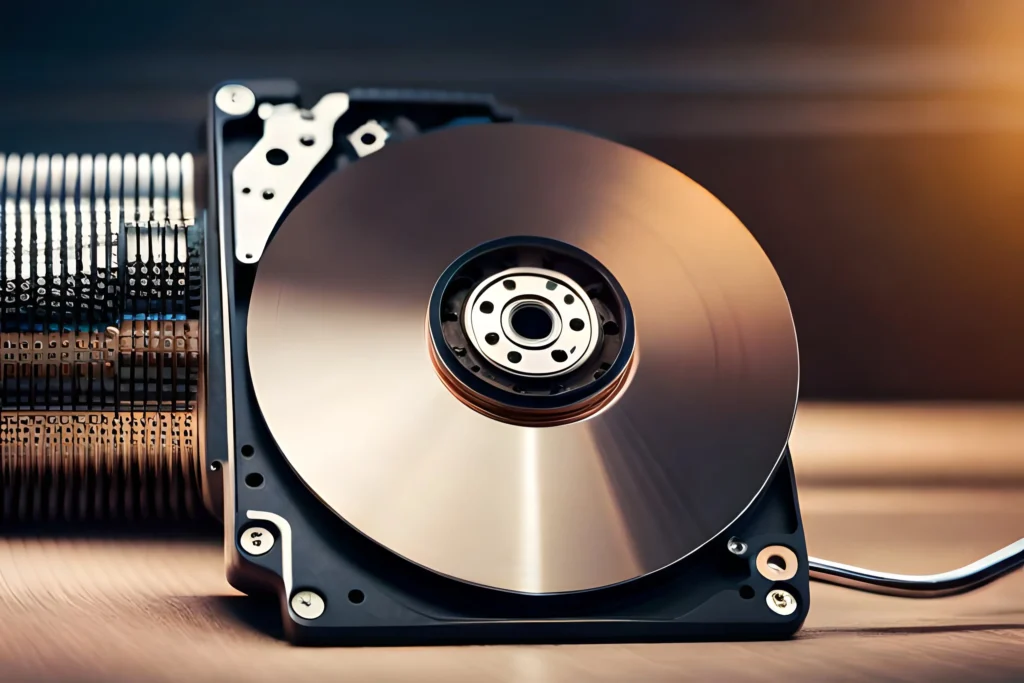
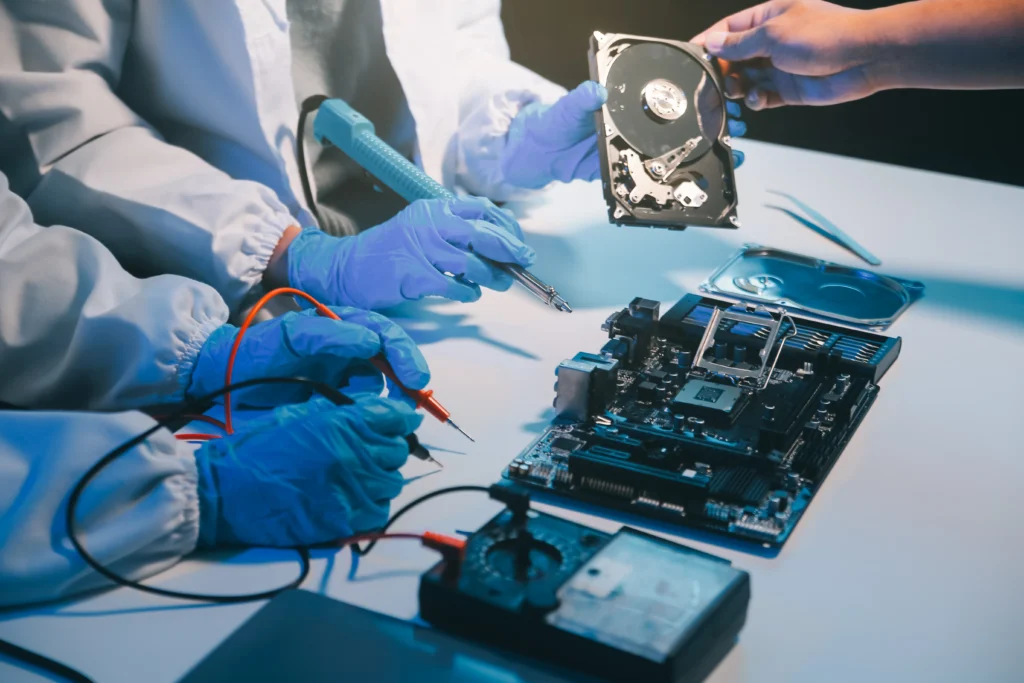
Maintaining Your New Hard Drive for Longevity
Once your Dynabook laptop hard drive replacement is complete, you want it to last. While SSDs don’t have moving parts, they still require some maintenance to perform at their peak.
Leave 10-15% Space Free: SSDs need “breathing room” for wear-leveling algorithms.
Avoid Extreme Heat: Heat is the enemy of all electronics. Ensure your laptop vents are clear.
Regular Backups: Even a new drive can fail due to power surges or liquid damage. Use cloud or external backups.
Tips to Extend the Lifespan of Your Hard Drive
Regularly back up data
Avoid excessive heat and moisture
Use surge protectors
Keep software and drivers updated
Run occasional disk health checks
Mail-In Services for Nationwide Dynabook Owners
Not everyone has access to a specialist who understands the nuances of Dynabook hardware. Our fills that gap. We’ve streamlined the process to be as simple as possible.
Request a Quote: Contact us with your model number.
Ship Your Device: Use our secure packaging guide.
Repair & Test: We replace the drive and run 24-hour stress tests.
Secure Return: We ship your laptop back via insured courier.
This service is a lifesaver for remote workers and small businesses in rural areas. You get “Las Vegas quality” repair regardless of where you are located.
Frequently Asked Questions
Our Mail-In Service is simple: you ship your Dynabook laptop to our repair facility, we diagnose the issue, replace the hard drive, optimize your system, and ship it back safely. This process saves your time and ensures you receive expert-level repair without visiting any repair shop.
If your old drive is still readable, we attempt full data cloning during the Dynabook Laptop Hard Drive Replacement. During the Mail-In Service process, we follow strict data privacy rules and handle all files with complete confidentiality.
Most Mail-In Service jobs for Dynabook Laptop Hard Drive Replacement are completed within 24–48 hours after receiving your laptop. Shipping time depends on your location, but we aim to send your laptop back as quickly as possible.
We offer high-performance SSDs and traditional HDDs depending on your budget and needs. As part of our Mail-In Service, our technicians recommend the best storage type based on performance, durability, and compatibility with your Dynabook laptop.
Yes, absolutely. Our Mail-In Service includes secure packaging instructions, safe handling procedures, and professional shipping methods. Your Dynabook laptop stays protected throughout the process, and every step is documented for transparency and reliability.
We can attempt diagnostics and optimize your current drive, but in Las Vegas, replacing failing drives is often the most reliable solution to prevent slow performance, crashes, and data loss.
Yes! All replacement HDDs and SSDs come with a 1-year manufacturer warranty, plus our Las Vegas service guarantee, ensuring your Dynabook remains secure and fully functional after repair.
Back up important files, remove accessories, and securely package your laptop. Include a note detailing issues—this ensures our Las Vegas technicians can start repairs efficiently and safely upon arrival.