
Samsung Laptop Tune-Up – Reliable Mail-In Service
Optimize your Samsung laptop’s performance with our professional Mail-In Service. From software updates to hardware cleaning, we ensure your device runs faster, smoother, and more efficiently.

The Definitive Samsung Laptop Tune-Up and Maintenance Guide
Is your Samsung laptop running slow, freezing, or facing performance issues? Our Samsung Laptop Tune-Up Mail-In Service provides a hassle-free solution to enhance your device’s speed, reliability, and overall lifespan.
With years of experience in laptop maintenance, we specialize in both hardware and software optimization. Through our secure Mail-In Service, you can send your laptop from anywhere and receive professional attention without leaving your home.
Our certified technicians perform comprehensive diagnostics, removing malware, updating drivers, optimizing startup programs, cleaning the internal components, and ensuring the operating system is fully functional.
We also check for overheating issues, clean internal fans, and replace thermal paste if necessary to ensure maximum performance. Our Mail-In Service guarantees a thorough, safe, and timely tune-up so that your Samsung laptop performs like new. Additionally, we provide post-service support and recommendations to keep your laptop running efficiently.
Whether you’re using your Samsung laptop for work, gaming, or everyday tasks, our Mail-In Service ensures minimal downtime and maximum efficiency. Trust us to deliver professional tune-up services directly to your doorstep.
Why a Regular Samsung Laptop Tune-Up is Essential?
Performance degradation rarely happens overnight; it is a slow accumulation of temporary files, fragmented data, and power-hungry startup applications. A regular Samsung Laptop Tune-Up prevents these minor inconveniences from evolving into systemic failures.
When your OS is cluttered, your CPU works harder, generating excess heat that can prematurely age your internal components. By performing a monthly optimization, you ensure that your laptop’s resources are directed toward the tasks that matter.
This proactive stance not only improves your daily user experience but also maintains the resale value of your device. Think of it as an oil change for your digital life—a small investment in time that prevents a total engine breakdown.
Troubleshooting: Samsung Laptop Display Not Working
One of the most stressful issues a user can face is a Samsung laptop display not working. Before assuming you need a hardware replacement, it is vital to rule out software conflicts. Often, a black screen is caused by a corrupted graphics driver or an OS hang-up rather than a broken LCD.
The Reset Shortcut
Press Windows + Ctrl + Shift + B to reset your graphics driver instantly.
External Testing
Connect your laptop to a monitor via HDMI. If the monitor works, your GPU is fine, and the issue lies with the laptop’s internal screen or ribbon cable.
Safe Mode Check
Boot into Safe Mode to see if the display functions. If it does, an app or driver you recently installed is the culprit.
Physical Maintenance and Hardware Repair
Software is only half the battle; physical cleanliness is the other. Dust buildup in the cooling fans is a leading cause of thermal throttling, where the laptop intentionally slows down to prevent melting.
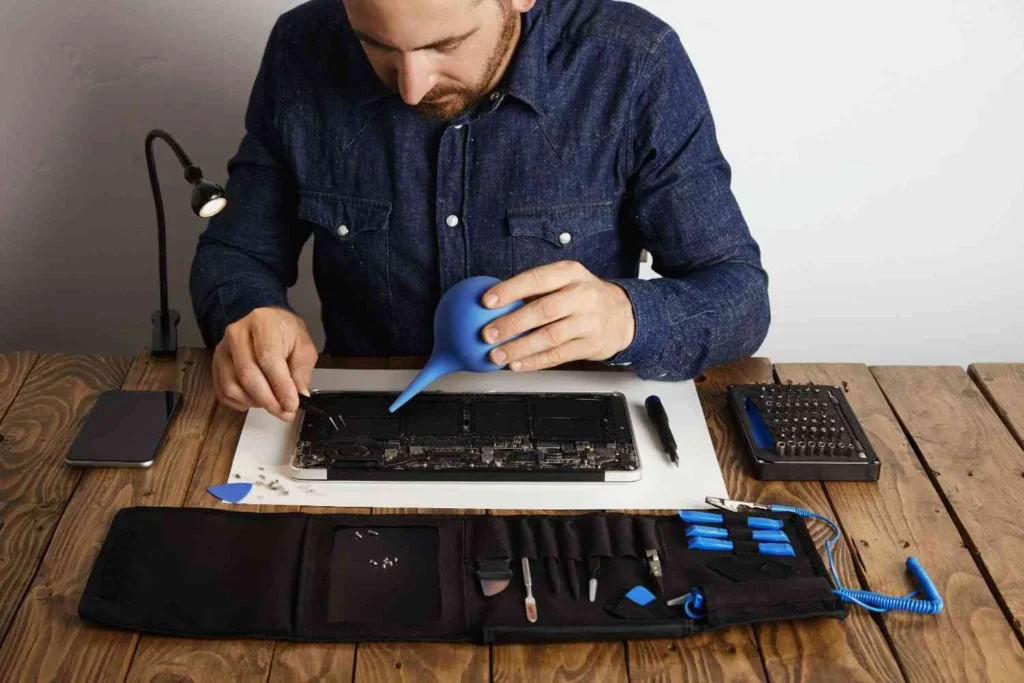
A professional Samsung laptop repair often starts with a simple internal cleaning using compressed air. If you notice your laptop frame is clicking or the keyboard is missing strokes, it may be time for a hardware intervention.
Samsung’s 2026 models feature more modular components, making some repairs easier for those with technical skills. However, for internal screen issues or motherboard diagnostics, visiting an authorized service center is recommended to maintain your warranty status.
Advanced Optimization: Storage and RAM
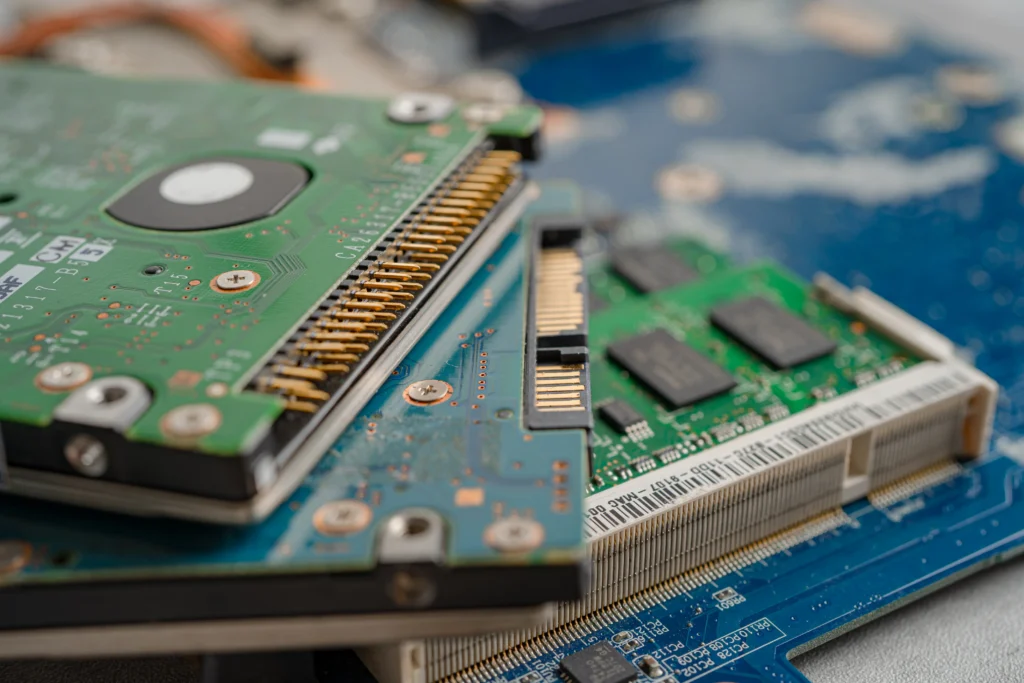
If your laptop still feels slow after a software scrub, consider the “Information Gain” of your hardware. Upgrading from a standard SSD to a high-speed NVMe drive or increasing your RAM from 8GB to 16GB can provide a night-and-day difference in multitasking.
Ensure your storage is never more than 80% full. Once an SSD nears capacity, its write speeds drop significantly because it struggles to find open “blocks” for new data. Use cloud storage for large video files and keep your local drive lean for application execution.
Leveraging Samsung Laptop Tune-Up Software
While Windows has built-in maintenance tools, using dedicated Samsung laptop tune up software like the “Samsung Settings” app allows for deeper integration. Within this interface, you can manage “Battery Life Extender+” modes, which limit charging to 80% to preserve the chemical health of your battery over several years.
Additionally, use the Samsung Device Care (where available) to scan for hidden junk files and optimize RAM usage. For more granular control, many experts recommend third-party utilities to manage “bloatware”—the pre-installed apps that often run in the background without your knowledge. Removing these can decrease boot times by up to 40%.





Frequently Asked Questionss
Our Mail-In Service is simple and convenient. You package your Samsung laptop securely and send it to our certified technicians. Once we receive it, we perform a full tune-up, including hardware cleaning, software optimization, malware removal, and performance enhancements. After completing the tune-up, your laptop is securely shipped back to you.
Typically, our Mail-In Service process takes 3–5 business days from the time we receive your laptop. The duration may vary depending on the complexity of issues and required repairs, but we always prioritize efficiency without compromising quality.
Yes, our Mail-In Service ensures complete data security. Our technicians follow strict privacy protocols, and we never access your personal files unnecessarily. We also recommend backing up your data before sending the laptop for extra precaution.
Our Mail-In Service addresses slow performance, freezing, overheating, malware infections, software glitches, outdated drivers, and dust accumulation in internal components. It improves battery efficiency, speeds up your system, and ensures smooth overall performance.
Absolutely! We provide tracking details once your Samsung laptop is shipped to our facility and again when it’s returne