
Samsung Laptop Hard Drive Replacement – Mail-In Service
Fast, reliable, and secure Mail-In Service for Samsung laptop hard drive replacement. Get your laptop repaired without leaving your home.

Samsung Laptop Hard Drive Repair Services
Experiencing slow performance or data access issues on your Samsung laptop? Our Samsung laptop hard drive replacement mail-in service provides a convenient, professional solution. You don’t need to visit a repair center—we make it simple. Just ship your laptop to our certified technicians, and we will replace your hard drive with a high-quality, compatible unit.
We prioritize your data and handle every laptop with utmost care. Whether your hard drive has failed, is showing errors, or you simply want an upgrade to an SSD for faster performance, our Mail-In Service ensures minimal downtime. Each replacement comes with rigorous testing and a warranty for peace of mind. Enjoy expert service from the comfort of your home with our streamlined, hassle-free Mail-In Service.
Signs You Need Samsung Laptop Hard Drive Replacement
Recognizing early warning signs can save your data and prevent costly repairs. A failing hard drive rarely stops suddenly—it usually gives signals first.
Common Symptoms to Watch For
- Slow system performance and long boot times
- Frequent system crashes or freezing
- Clicking or grinding noises from the laptop
- Corrupted files or missing data.
If you notice multiple symptoms, it’s time to consider Samsung Laptop Hard Drive repair or replacement immediately.
Why Early Action Matters?
Professional Samsung Laptop Hard Drive Replacement vs DIY
When it comes to replacing your hard drive, you have two main options.
DIY Replacement
You can replace the hard drive yourself if you:
- Have technical experience
- Own the right tools
- Follow a proper guide
Risks include:
- Damaging internal components
- Losing important data
- Voiding warranty
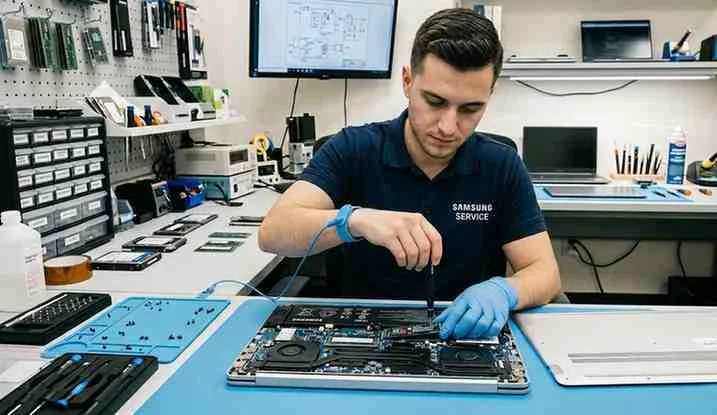
Step-by-Step Samsung Laptop Hard Drive Replacement Process
Understanding the process helps you make informed decisions.
Typical Replacement Steps
- Diagnose the issue and confirm drive failure
- Backup or recover existing data
- Remove the faulty hard drive
- Install a new HDD or SSD
- Install operating system and drivers
- Restore your data
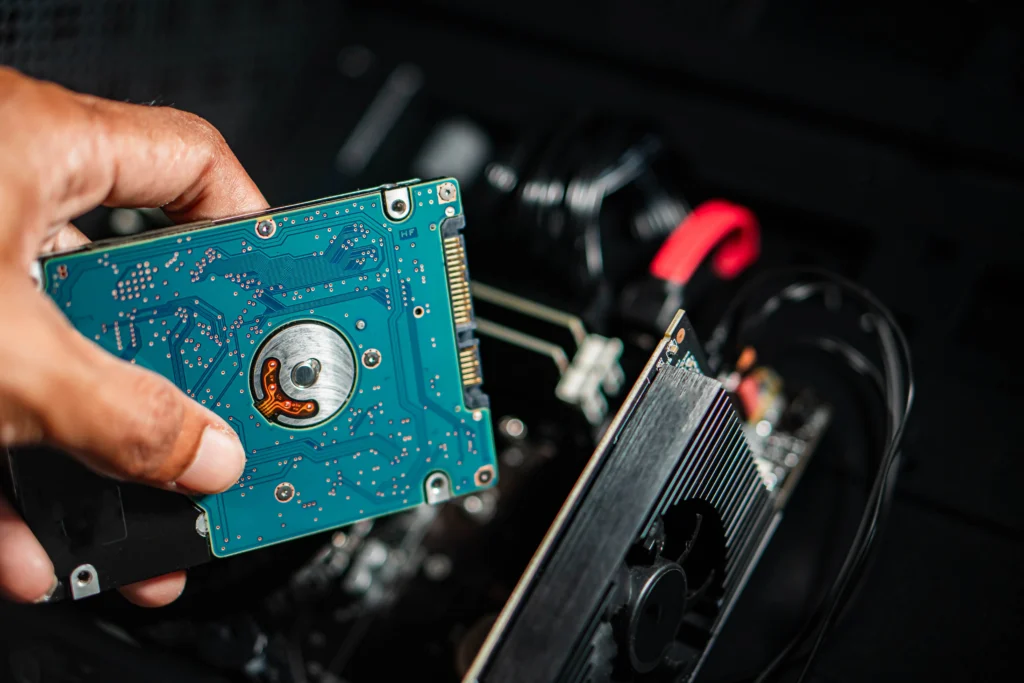
How to Choose the Right Hard Drive for Your Samsung Laptop?
Choosing the right drive is crucial for performance and compatibility.
Key Factors to Consider
- Storage capacity (256GB, 512GB, 1TB+)
- Drive type (SSD recommended)
- Compatibility with your model
- Brand reliability





Frequently Asked Questions
Our process is simple and secure. You package your laptop, send it via our trusted courier, and we replace the hard drive with a high-quality unit. After thorough testing, your laptop is shipped back safely. This Mail-In Service ensures you don’t have to visit a repair shop.
Yes! We can replace your existing hard drive with a high-performance SSD, enhancing speed, boot times, and reliability. Our Mail-In Service makes this convenient, allowing you to upgrade your laptop without leaving home.
Absolutely. We follow strict safety protocols and can assist with data backup if needed. Our Mail-In Service ensures your information is handled securely, giving you confidence throughout the repair process.
Typically, the entire process takes 3–5 business days. This includes shipping, replacement, testing, and return shipment. We provide tracking and updates so you know your laptop’s status during the Mail-In Service.
All Samsung hard drive replacements done via our Mail-In Service come with a 90-day warranty. If any issues arise, we will provide support or a replacement unit, ensuring complete customer satisfaction.