
MSI Laptop Keyboard and Touchpad Repair – Professional Mail-In Service
Get fast and reliable MSI Laptop Keyboard and Touchpad Repair through our trusted Mail-In Service, ensuring precise replacement, cleaning, and functionality restoration for all MSI laptop models.

A malfunctioning keyboard or touchpad can severely affect your MSI laptop experience, making typing, navigation, and productivity frustrating. Our MSI Laptop Keyboard and Touchpad Repair service is designed to restore full functionality efficiently and safely. Whether your keys are stuck, unresponsive, misfiring, or your touchpad isn’t detecting gestures properly, our expert technicians provide precise repair or replacement through a secure Mail-In Service.
With our Mail-In Service, you can ship your MSI laptop directly to us, eliminating the need for in-person visits. Our certified engineers perform careful diagnostics to identify the faulty components—whether it’s liquid damage, worn-out keys, or touchpad sensor failure. We then perform professional cleaning, replacement of damaged keys, ribbon cables, or touchpad modules, and test the device thoroughly to ensure perfect responsiveness.
Our MSI Laptop Keyboard and Touchpad Repair covers all MSI laptop series, including MSI Stealth, MSI Raider, MSI GF Series, MSI Creator, MSI Katana, MSI Pulse, and MSI Modern. Each repair done through our Mail-In Service ensures your laptop returns fully functional, with smooth keystrokes, accurate touchpad gestures, and long-lasting durability.
By choosing our Mail-In Service, you get a hassle-free, safe, and reliable solution that guarantees expert handling, fast turnaround, and top-quality components—restoring your MSI laptop to optimal performance without leaving your home.
What Causes MSI Laptop Keyboard and Touchpad Failure?
MSI laptops are built for performance, but input devices are among the most frequently used components—and therefore the most prone to failure.
Keyboard Issues You Might Notice
- Certain keys stop working completely
- Double typing or repeated characters
- Keyboard not responding at all
- Backlight not functioning
Touchpad Problems Users Face
- Cursor not moving smoothly
- Touchpad completely unresponsive
- Multi-touch gestures not working
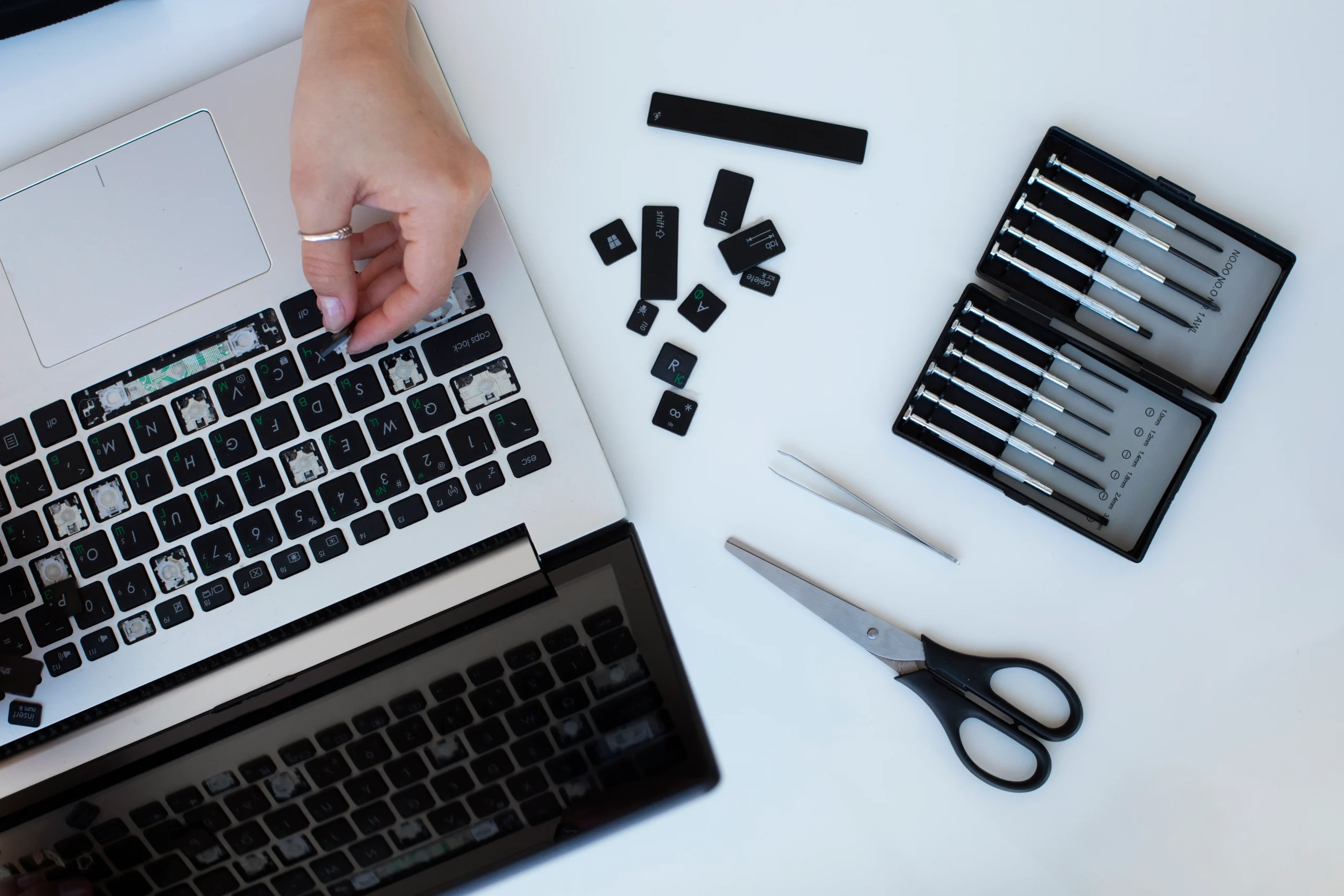
Why Professional MSI Laptop Keyboard and Touchpad Repair is Better Than DIY Fixes
Trying to fix your laptop yourself can lead to more harm than good.
Risks of DIY Repair
- Damaging delicate internal components
- Installing incompatible parts
- Voiding your warranty
Benefits of Professional Service
- Accurate diagnostics
- Use of genuine MSI-compatible parts
- Long-term reliability
Our Professional Replacement Process
We follow a structured repair workflow to ensure accuracy, safety, and performance.
Diagnostic Evaluation
We inspect your current storage drive to confirm failure or performance issues.
Data Protection Check
If the drive is accessible, we secure or clone your data before replacement.
Safe Disassembly
The MSI laptop is carefully opened using professional anti-static tools.
Drive Replacement
Faulty HDD/SSD is removed and replaced with a tested, compatible drive.
System Setup
We install or clone your operating system for immediate usability.
Final Testing
We verify boot speed, system stability, and storage performance.
Benefits of Choosing MSI Laptop Keyboard and Touchpad Repair
Choosing the right service provider makes all the difference.
What You Get
- Certified technicians
- High-quality replacement parts
- Fast turnaround times
- Warranty-backed repairs
More About Our MSI Laptop Repair Services









What Causes MSI Laptop Keyboard and Touchpad Failure?
Understanding the cause helps in choosing the right repair solution.
Wear and Tear Over Time
Frequent typing and usage naturally wear down key switches and touchpad sensors.
Liquid Damage
Spills can damage internal circuits, leading to permanent failure if not addressed quickly.
Debris Accumulation
Particles trapped under keys or inside the touchpad interfere with normal operation.
Software or Driver Issues
Outdated or corrupted drivers can mimic hardware problems.
Hardware Damage
Loose or damaged ribbon cables often disconnect the keyboard or touchpad from the motherboard.
MSI Laptop Keyboard and Touchpad Repair Mail-In Service
If you’re in Las Vegas or nearby areas but prefer convenience, mail-in services are an excellent option.
How Mail-In Repair Works
- Book your service online
- Securely ship your laptop
- Experts diagnose and repair the issue
- Device is shipped back to you
Frequently Asked Questions
Our Mail-In Service is simple and convenient. You securely pack your MSI laptop, ship it to us, and our technicians diagnose the keyboard and touchpad issues. We perform precise repairs or replacements, test full functionality, and ship the laptop back safely. This ensures professional MSI Laptop Keyboard and Touchpad Repair without needing to visit a repair shop.
We repair unresponsive keys, sticky or broken keys, touchpad malfunctions, touchpad gestures not working, and ribbon cable issues. Using our Mail-In Service, we restore full keyboard and touchpad functionality, clean affected components, and replace damaged modules to ensure long-term reliability.
Most MSI Laptop Keyboard and Touchpad Repair jobs are completed within 48–72 hours after receiving your device. Our Mail-In Service ensures fast turnaround while maintaining high-quality repair standards, thorough testing, and safe shipping back to you.
Yes, our Mail-In Service is fully secure. Proper packaging protects your MSI laptop during transit. We handle it carefully, perform expert keyboard and touchpad repair, and ship it back safely, giving you a hassle-free, reliable repair experience.
Yes. After our professional MSI Laptop Keyboard and Touchpad Repair through Mail-In Service, each key, keystroke, and touchpad gesture is thoroughly tested. Your laptop will regain full functionality, accuracy, and smooth responsiveness, just like a brand-new device.