
- Home
- Services
- Computer Repair
- CPU Cooling fan Repair
CPU Cooling Fan Repair in Las Vegas
CPU fan repair is one of the most critical services for maintaining computer performance, preventing overheating, and protecting expensive internal components. When a CPU cooling fan fails, even partially, your entire system is at risk.
Computer cooling system repair – Complete Mail-In Service Solution
A CPU cooling fan is responsible for regulating processor temperature by maintaining continuous airflow over the heatsink. When the fan becomes weak, noisy, or stops functioning altogether, heat builds rapidly and causes system instability.
Our Computer cooling system Repair Mail-In Service is designed to restore optimal cooling performance while protecting your system from long-term damage. Unlike temporary fixes, our Mail-In Service CPU Repair addresses both the symptom and the root cause of fan failure.
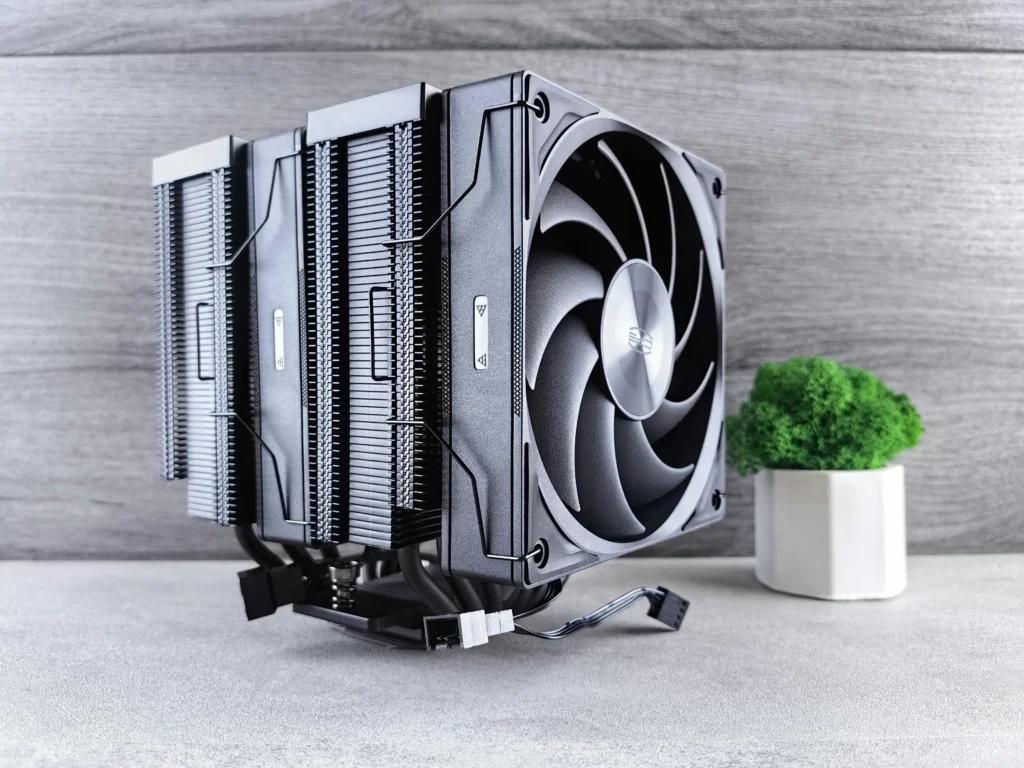
CPU Cooling Fan Repair Services – Fix Laptop Overheating Nationwide
An overheating laptop is more than just uncomfortable—it’s a serious threat to your device’s performance, lifespan, and internal components. When your fan becomes noisy, stops spinning, or fails to cool properly, professional CPU cooling fan mail-in repair is critical to prevent permanent hardware damage.
At Nationwide Laptop Repair, we provide reliable, affordable, and fast solutions for overheating laptops across the United States. Our expert technicians specialize in diagnosing and repairing all types of laptop cooling failures, from clogged fans and worn bearings to complete fan motor failure. With our secure mail-in service, you don’t need to find a local repair shop—we deliver professional service nationwide.
CPU Cooling Fan Issues We Repair
Reliable CPU Fan Repair in Las Vegas is now easy with our Mail-In Service. Professional diagnostics, safe handling, and long-term cooling performance—delivered directly to you.
CPU Cooling Fan Not Spinning
A non-spinning CPU fan can quickly cause overheating and shutdowns. We repair power issues, motor failures, and connector faults to restore proper cooling performance.
Loud or Grinding Fan Noise
Grinding, rattling, or buzzing sounds indicate worn bearings or imbalance. Our CPU Fan Repair corrects mechanical wear and reduces noise for smooth, quiet operation
Overheating and Thermal Throttling
Excessive heat forces CPUs to slow down or shut off. We fix airflow restrictions, replace failing fans, and optimize cooling to maintain stable temperatures.
Dust-Clogged Cooling Fans
Dust buildup blocks airflow and traps heat inside the system. Our Mail-In Service includes deep cleaning to restore efficient heat dissipation.
Worn or Failed Fan Bearings
Aging or damaged bearings reduce cooling efficiency and increase noise. We repair or replace fans to ensure long-term performance and system safety.
Intermittent Fan Speed Issues
Fans that speed up and slow down randomly signal control or sensor problems. We diagnose RPM irregularities and restore consistent, reliable fan operation.
Why PC cooling fan Repair Is Essential?
Modern CPUs operate at high speeds and generate significant heat. Without effective cooling, even built-in safety mechanisms cannot fully protect your hardware. Delaying PC cooling fan Repair can result in:
CPU overheating and throttling
Sudden system shutdowns
Reduced processor lifespan
Motherboard and power supply damage
Data loss due to system crashes
Our Mail-In Service ensures your CPU Fan Repair is handled professionally before minor issues turn into major hardware failures.
How Our CPU fan repair Mail-In Service Works?
Professional Diagnostics
Detailed inspection of fan speed and airflow
Noise, vibration, and bearing condition analysis
Thermal output and overheating checks
Repair or Replacement
Precision repair of faulty CPU cooling fans
Installation of compatible, high-quality replacements
Ensures long-term cooling reliability
Thermal Optimization
Complete internal dust and debris removal
Airflow balancing for improved heat dissipation
Thermal paste application when required
Performance Testing
Stress testing under real workload conditions
Temperature monitoring for cooling efficiency
Stability checks to prevent future overheating
Common Signs You Need Processor cooling fan Repair
Many users ignore early warning signs until serious damage occurs. You may need Processor cooling fan Repair if you notice:
Loud grinding or rattling fan noise
Fan spinning inconsistently or not at all
Frequent overheating alerts
Slow performance caused by thermal throttling
Random shutdowns or restarts
If you experience any of these issues, our CPU fan replacement Mail-In Service provides a fast and safe solution.
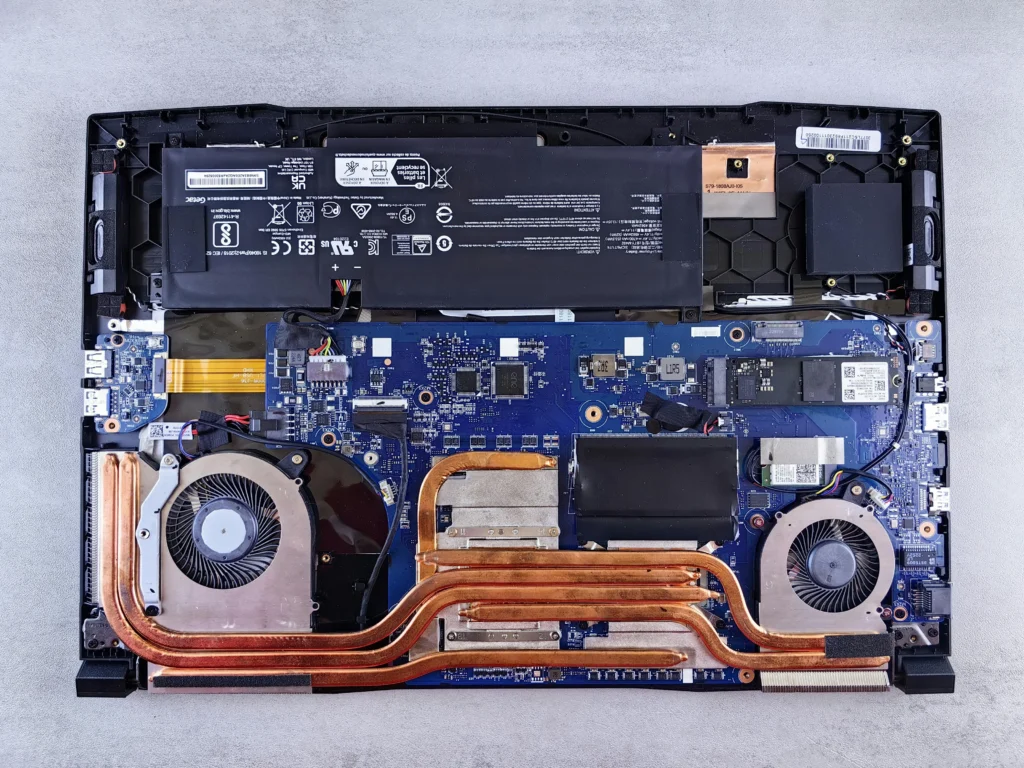
Causes of Overheating Laptop Fan Problems
Laptop fans fail for several reasons, many of which worsen over time without professional attention.
Most Common Causes
- Dust and debris buildup in vents and fan blades
- Worn fan bearings or motor failure
- Dried thermal paste increasing heat output
- Liquid damage or corrosion
- Manufacturing wear in older laptops
In many cases, dust buildup alone can increase internal temperatures by 15–30%, severely impacting performance. That’s why professional laptop cooling system repair is essential—not just external cleaning.
Our Professional CPU Cooling Fan Retrieving Process
Full thermal and hardware diagnostics
Fan inspection and airflow testing
Cleaning, lubrication, or replacement as needed
Stress testing and temperature verification
Supported Systems for Cooling fan fixing Repair
Our CPU Mail-In Service supports:
Desktop computers
Custom-built systems
Office computers
Professional workstations
Both Intel and AMD platforms are fully supported
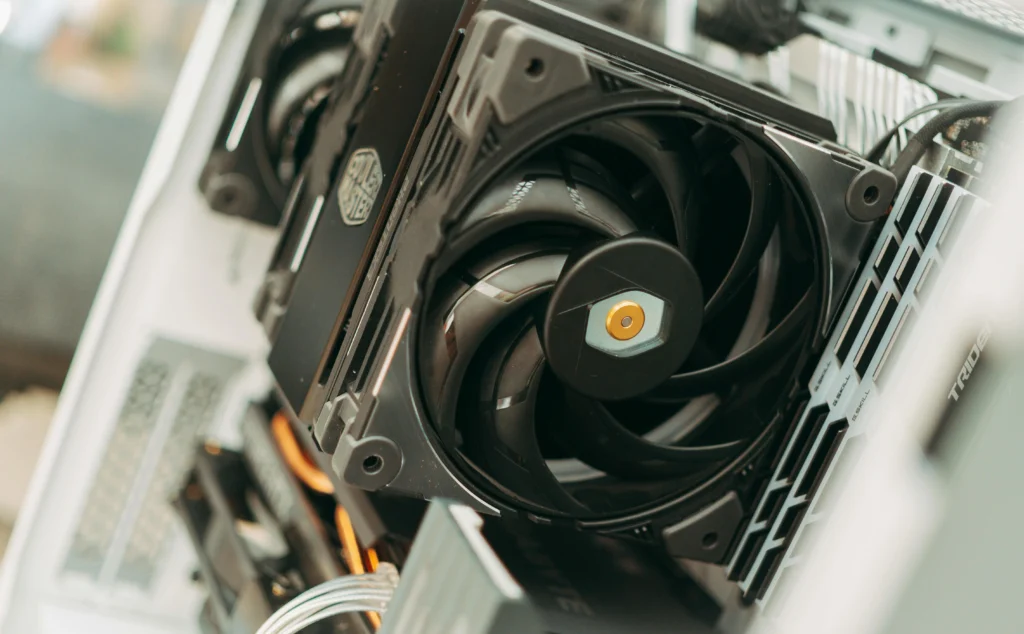
Laptop Fan Replacement Service – What to Expect
Laptop Fan Replacement Service – What to Expect
When replacement is required, precision matters. Laptop fans are model-specific and tightly integrated with internal components.
What Our Fan Replacement Includes?
- Correct model-matched fan installation
- Thermal system recalibration
- Post-repair heat stress testing
- Warranty coverage on parts and labor
Cooling fan cleaning and maintenance
Laptop overheating is a serious issue that should never be ignored. With professional CPU cooling fan repair, you can restore proper airflow, protect critical components, and extend your laptop’s lifespan. At Nationwide Laptop Repair, we provide expert diagnostics, affordable solutions, and reliable nationwide service.
Whether your device needs cooling fan cleaning and maintenance or a complete fan replacement service, our technicians ensure your laptop runs cooler, quieter, and more efficiently. Our transparent pricing and warranty-backed repairs make us a trusted choice for customers across the USA.
If your laptop is overheating, making noise, or shutting down unexpectedly, now is the time to act.
Why Choose Us for CPU Fan Repair Mail-In Service?
Certified repair technicians
High-quality replacement components
Secure nationwide Mail-In Service
Advanced thermal diagnostics
Fast and reliable turnaround
Customer-focused repair process
Frequently Asked Questions
Mail your laptop to our certified technicians. We inspect, clean, or replace the fan and return it safely, usually within 3‑5 business days anywhere in the USA.
Yes. Our experts use anti-static measures and secure packaging to protect your device, ensuring a safe and professional mail-in repair.
Users experiencing overheating, loud fan noise, or sudden shutdowns need repair to prevent permanent CPU damage.
Absolutely. Your files remain untouched while our certified technicians repair or replace your CPU cooling fan.
Yes. Excess heat can harm CPU performance or cause permanent failure. Timely fan repair prevents long-term damage.
Mail-in repairs typically take 3‑5 business days from receipt, with nationwide tracking and optional expedited service available.