- Home
- Packaging
Packaging
Learn how to properly package your laptop for shipping with our step-by-step guide to ensure safe and secure delivery.
Video Guide
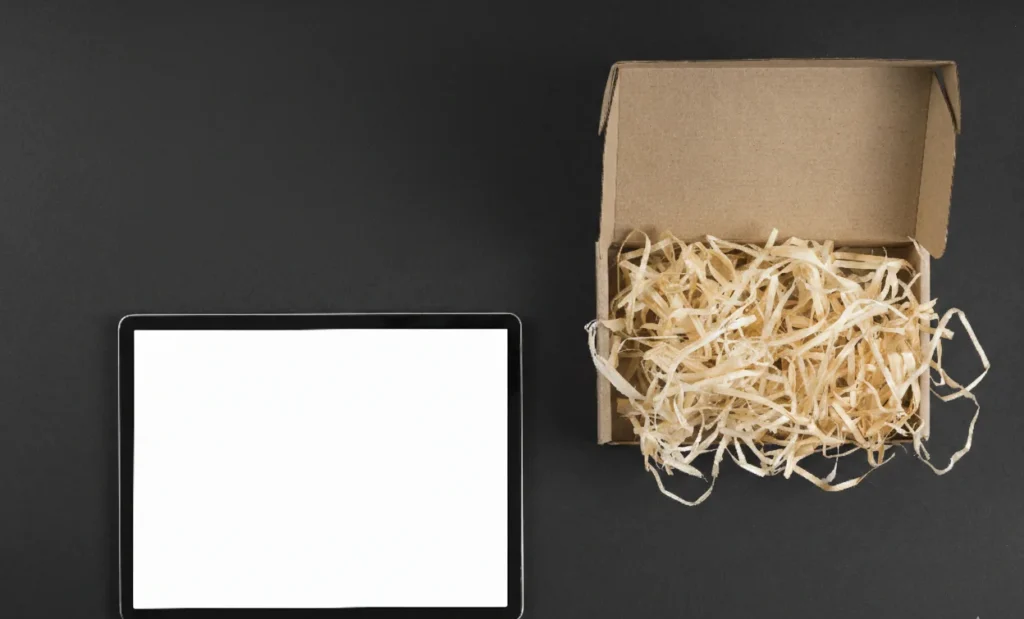
Professional Laptop Packaging Services You Can Trust
Shipping a laptop safely requires more than just tossing it in a box. Whether you’re sending it for repair, resale, or relocation, wrapping is critical to protect your valuable device.
At Nationwide Laptop Repair, we specialize in providing reliable and professional laptop covering solutions that guarantee safe transit from your doorstep to our service center and back.
Many users underestimate the importance of proper laptop wrapping, which can lead to damages, lost components, or even voided warranties. Our step-by-step guidelines and expert tips help you avoid these costly mistakes.
In this guide, you’ll learn actionable strategies, including safe laptop packing tips and how to package a laptop effectively, so it reaches its destination securely.
How to Properly Package Your Laptop for Shipping?
Ensuring your laptop arrives safely starts with proper packing. Follow these steps to securely pack your laptop for transit:
Power Off & Disconnect
Turn off your laptop and unplug all cables and peripherals to prevent any damage.
Use a Protective Sleeve
Place your laptop in a padded sleeve or wrap it in bubble wrap for added protection.
Secure the Lid
Close the laptop lid and ensure it's securely latched to avoid accidental openings.
Choose the Right Box
Select a box that's slightly larger than your laptop to allow space for cushioning material.
Add Protective Padding
Fill the box with packing peanuts, foam, or additional bubble wrap to prevent movement during transit.
Seal the Box
Use strong packing tape to seal all box edges securely.
Label the Box
Clearly mark the box with "Fragile" and "This Side Up" to alert handlers.
Tip
Take a photo of your packaged laptop for insurance purposes to document its condition before shipping.
Why Proper Wrapping Matters for Laptops?
Laptops are delicate electronics that contain sensitive components like hard drives, screens, and batteries. Improper covering increases the risk of physical damage, liquid exposure, and static discharge.
Prevents Damage
A well-packed laptop minimizes impact from drops or rough handling.
Maintains Warranty
Many manufacturers require proper shipping to honor repair warranties.
Reduces Repair Costs
Avoids unnecessary repairs caused by packing-related damage.
Peace of Mind
Ensures your device reaches its destination safely.
Materials Needed for Safe Laptop Casing
Before you start Casing, it is important to gather the right materials. Using high-quality items can significantly reduce the risk of damage during shipping. A sturdy, double-walled cardboard box slightly larger than your laptop is essential to provide enough space for protective padding. Bubble wrap or foam padding should be used to cushion the laptop, absorbing shocks during handling.
Packing peanuts or air pillows can fill empty spaces in the box to prevent movement, while anti-static bags protect sensitive internal components from electrostatic discharge. Packing tape is necessary to seal the box securely, and clear labels ensure handlers are aware that the contents are fragile. Using these materials together provides comprehensive protection, allowing your laptop to be transported safely and efficiently.
Expert wrappingTips for Shipping Laptops
Professional wrapping involves more than simply wrapping the laptop. One effective method is using a double-box system, where the initial packed laptop is placed inside a second, larger box with additional padding to absorb shocks. Corner protectors can further safeguard the edges of the device.
Maintaining the battery at minimal charge levels is also important, as fully drained or fully charged batteries are more susceptible to damage during transit. Documenting the device before shipping, such as taking photos, provides evidence in case of damage claims. Finally, using reliable courier services with tracking and insurance ensures that your laptop is handled carefully and reaches its destination securely.
Common Mistakes to Avoid When Packing Laptops
Even small mistakes can lead to significant damage during shipping. Using a box that is too small can compress the laptop and cause internal or external damage.
Skipping padding or cushioning increases the risk of scratches and cracks, while neglecting anti-static protection may expose the laptop’s sensitive components to electrostatic discharge.
Other frequent errors include overstuffing accessories inside the laptop bag, which can apply pressure on the device, and failing to label the package, leading to careless handling by shipping personnel.
Awareness of these common mistakes allows you to take corrective measures, ensuring that your laptop reaches its destination in optimal condition without unnecessary risks or costs.
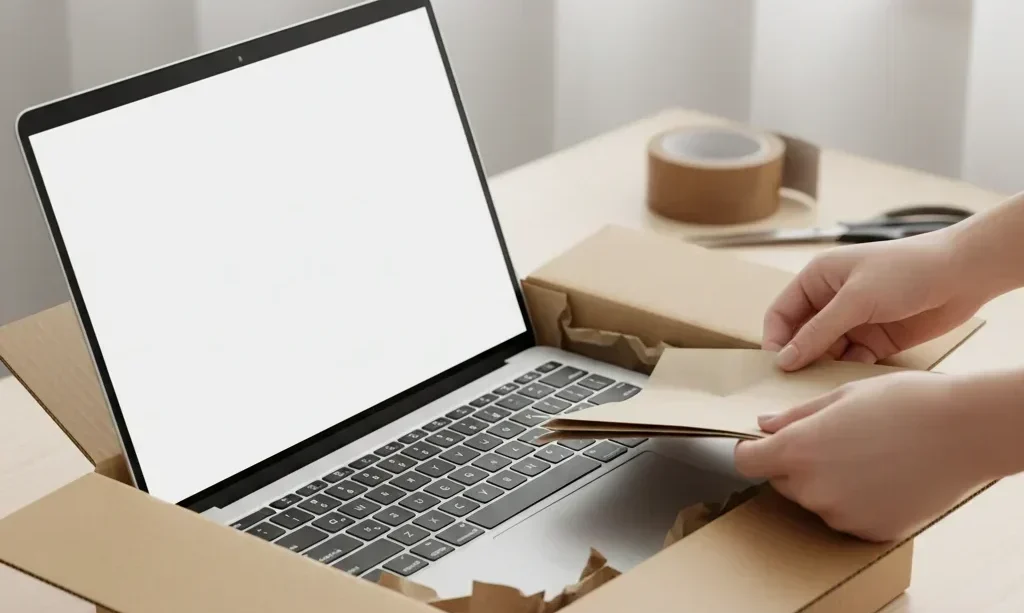
How to Package a Laptop?
Proper packing follows a structured process. Here’s a simple yet effective method:
Prepare the Laptop
Wrap with Anti-Static Materials
Choose the Right Box
Add Padding
Seal and Label
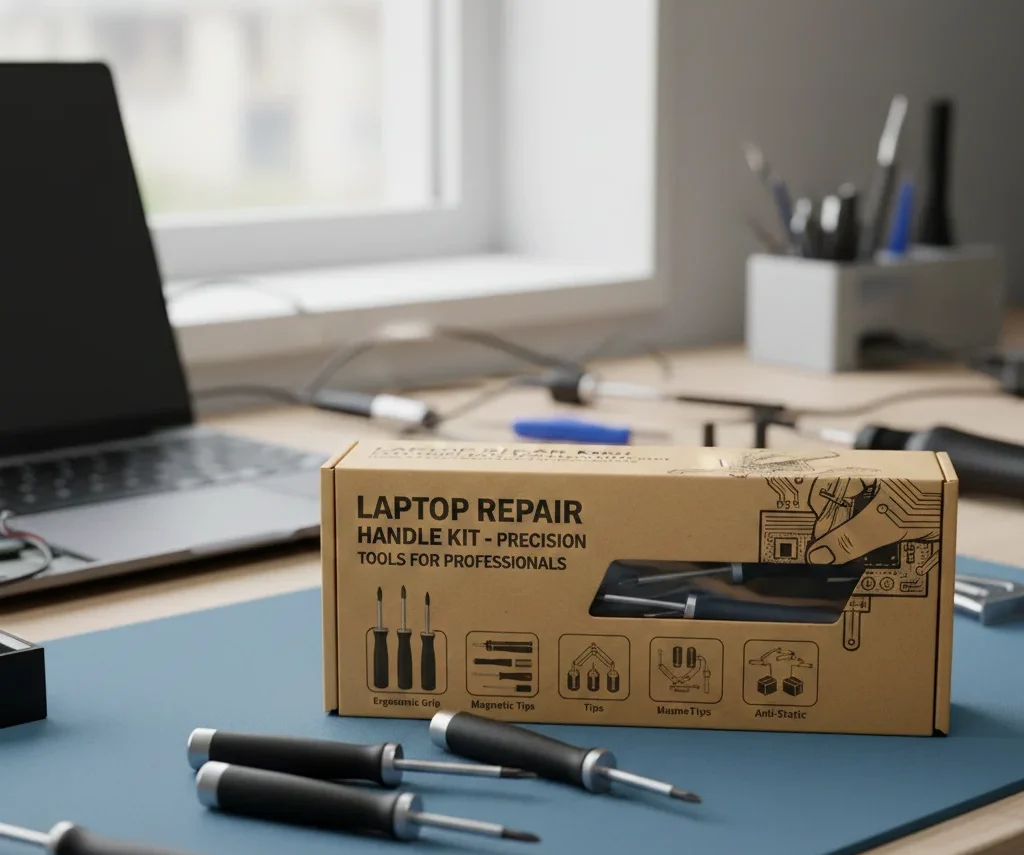
How Nationwide Laptop Repair Handles wrapping?
At Nationwide Laptop Repair, we offer professional laptop wrap services tailored to your device. We provide customized packaging solutions to fit every laptop model, ensuring maximum protection during transit.
Premium materials, including anti-static wraps, foam padding, and secure boxes, are used to prevent scratches, shocks, or internal damage.
Our secure shipping process involves trusted courier partners who handle your laptop with care, and insurance options are available for added peace of mind.
With years of experience in handling thousands of laptops, our team ensures that every device is packaged to arrive safely and returned in perfect condition.
Eco-Friendly Covering Options
Sustainability is important. Nationwide Laptop Repair also offers eco-conscious options:
- Recyclable cardboard boxes and inserts
- Biodegradable packing peanuts
- Reusable bubble wrap alternatives
Eco-friendly covering ensures your laptop is protected while reducing environmental impact. It’s a responsible choice for businesses and individuals alike.