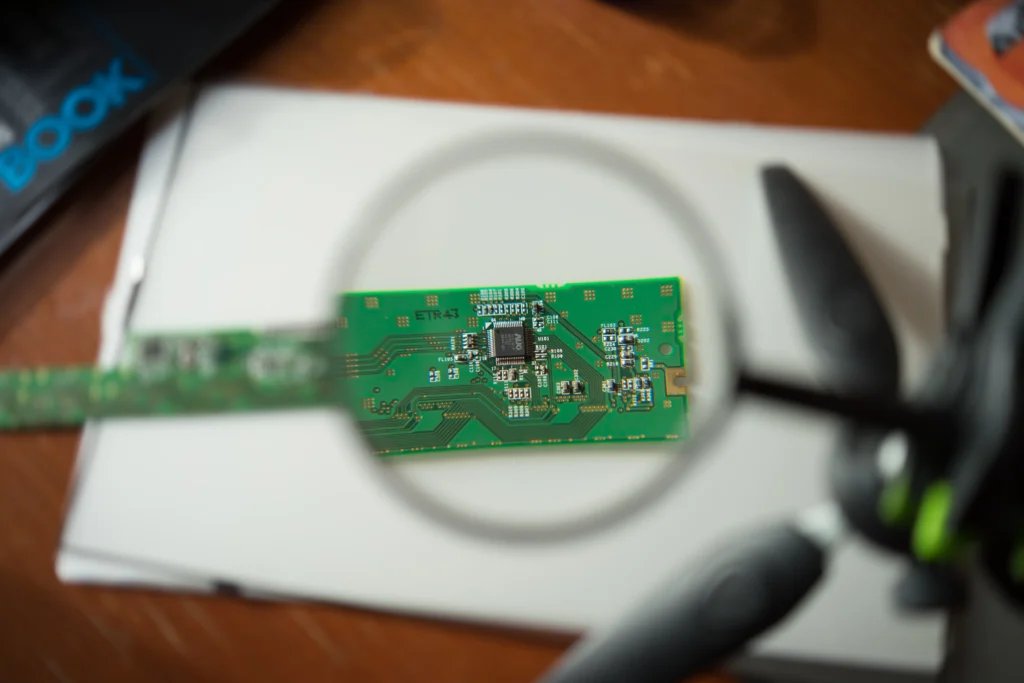
Are you dealing with a dead MacBook that refuses to power on, despite your best efforts? If your MacBook’s logic board is the problem, it’s a challenge that leaves many users frustrated and wondering where to turn. Logic board failures are among the most daunting problems MacBook owners face. Whether you’ve spilled water on your device or noticed odd performance issues like slow response times or system crashes, the logic board could be the culprit. But don’t panic—there are solutions.
In this guide, we’ll walk you through the common signs of MacBook logic board failure, how to diagnose the issue, and the best repair solutions available. We’ll cover everything from understanding what the logic board does to how to handle repairs, including when it’s worth considering a replacement.
What is a MacBook Logic Board, and Why Does It Fail?
The logic board, often referred to as the motherboard, is the central circuit board inside your MacBook. It houses the crucial components responsible for your laptop’s core functionality, including the CPU, memory, and storage, and provides connections to all peripheral devices. It essentially controls everything from powering up your MacBook to managing complex operations like networking and display rendering.
But like any electronic component, logic boards can fail. Common causes of failure include:
- Physical damage: Drops, spills, or overheating can cause severe physical damage to the logic board.
- Electrical issues: Power surges, faulty adapters, or charging-related problems can affect the logic board.
- Wear and tear: Over time, components like capacitors or chips may degrade, leading to logic board malfunctions.
Knowing what to look for can help you spot issues early before they become irreparable.
Signs Your MacBook Logic Board May Be Failing
It’s essential to be able to identify when your MacBook’s logic board is in trouble. Here are the common signs of failure:
1. The MacBook Won’t Power On
The most obvious sign of a logic board failure is when your MacBook refuses to power up. If the power button does nothing, or the screen remains black even when the charger is plugged in, this could be a logic board issue.
2. Unexplained Shutdowns and Restarts
Frequent and random restarts or shutdowns without warning can indicate that the logic board is having trouble managing the power supply, a key function of the motherboard.
3. Display Issues or Screen Flickering
If your MacBook’s display starts flickering, showing strange lines, or staying completely black despite the device being powered on, this could be a sign of an issue with the graphics processing unit (GPU) integrated into the logic board.
4. Charging Problems
Not being able to charge your MacBook, or seeing the charging indicator light flickering or not turning on, could be a sign that the logic board is not properly handling the power input from your adapter.
5. Overheating
MacBooks are designed to regulate temperature, but logic board failure can cause overheating due to inefficient power distribution, potentially leading to slow performance or system crashes.
Diagnosing a MacBook Logic Board Failure
Diagnosing a logic board problem is not always straightforward and often requires professional expertise. However, here are some steps you can take to narrow down the issue before seeking repair:
1. Check for External Causes
Make sure that your MacBook’s charger is working correctly, and that your power outlet is functioning. If your charging port or adapter is faulty, the issue may not lie with the logic board.
2. Perform a Reset
Sometimes a simple reset can help resolve minor logic board issues. Try performing a SMC (System Management Controller) reset or a PRAM reset:
- SMC Reset: Shut down your MacBook, then hold Shift + Control + Option on the left side of the keyboard and press the power button for 10 seconds. Release and turn on your MacBook.
- PRAM Reset: Turn on your MacBook and immediately press and hold Command + Option + P + R for 20 seconds.
3. Run Apple Diagnostics
Apple offers built-in diagnostic tools that can help detect hardware failures. Shut down your MacBook, then turn it on and immediately press and hold the D key. Follow the on-screen instructions to run the test.
If the test indicates a logic board issue, it’s time to seek professional repair.
Repair Solutions for MacBook Logic Board Failures
When dealing with a logic board failure, your repair options will depend on the severity of the damage. Here’s an overview of your choices:
1. DIY Repairs: Possible but Risky
For tech-savvy individuals, it is possible to perform a logic board repair, but this requires specialized knowledge and tools, including:
- Soldering equipment for repairing damaged chips
- Thermal paste for replacing components
- Precision screwdrivers for disassembling your MacBook
However, DIY repairs come with significant risks. Attempting to repair your logic board without proper expertise could lead to further damage, void your warranty, and result in irreparable issues.
2. Professional Logic Board Repair
If your MacBook logic board has failed, your best option is to take it to a professional repair technician. Apple Authorized Service Providers (AASPs) or third-party repair services can perform diagnostics and offer solutions like:
- Chip-level repair: In some cases, specific components on the logic board, such as the power management unit or GPU, can be repaired or replaced.
- Full logic board replacement: When a repair isn’t feasible, replacing the entire logic board might be necessary. However, this is often expensive and may be the only option if the damage is severe.
3. AppleCare+ or Warranty Coverage
If your MacBook is still under warranty or you have AppleCare+, you may be eligible for a free or discounted logic board repair. Apple will evaluate the situation and, if covered, offer a replacement or repair at no additional cost.
Cost of MacBook Logic Board Repair
The cost of repairing or replacing a MacBook logic board can vary based on several factors, including:
- MacBook model: Newer models, especially those with integrated chips (like M1 or M2 Macs), may be more expensive to repair than older Intel-based models.
- Damage severity: Minor issues may cost a few hundred dollars, while major repairs can exceed $1000, especially if a full logic board replacement is needed.
- Location and service provider: The cost can differ depending on whether you go through Apple or a third-party repair service.
Here’s a rough estimate of repair costs:
- Apple Authorized Service: $600 – $1,500+
- Third-party services: $400 – $1,200 (depending on repair type)
Pro Tips for MacBook Logic Board Maintenance
- Use a surge protector to prevent electrical damage.
- Avoid overheating by ensuring proper ventilation while using your MacBook.
- Clean your MacBook regularly to prevent dust buildup, which can lead to overheating.
- Handle with care: Always use a protective case to avoid physical damage.
Conclusion
MacBook logic board failures can be daunting, but with the right knowledge, you can take the appropriate steps to repair your device. Whether you choose to attempt repairs yourself or seek professional help, understanding the causes and solutions of logic board issues is crucial for making informed decisions. If in doubt, consult an Apple technician or authorized service provider for expert advice and ensure your MacBook gets the repair it needs.
FAQ Section
- How can I tell if my MacBook logic board is damaged?
Look for signs like a MacBook that won’t power on, random shutdowns, charging issues, or screen flickering. Running diagnostics or consulting a professional is the best way to confirm the issue. - Can I repair my MacBook logic board myself?
While it’s possible for experienced technicians, attempting a DIY repair without proper knowledge and tools can cause more damage. It’s best to consult a professional if you’re unsure. - How much does it cost to replace a MacBook logic board?
Costs range from $600 to $1,500, depending on the model and damage severity. Full replacements are typically more expensive. - What causes a MacBook logic board to fail?
Physical damage, electrical issues, overheating, and wear over time are the primary causes of logic board failure. - Is AppleCare+ coverage worth it for logic board issues?
Yes, if you have AppleCare+ or warranty coverage, you could get your logic board repaired or replaced at no additional cost.