When your laptop is acting up—slow performance, unexpected shutdowns, or failing to boot—you might find yourself wondering what happens during a professional laptop diagnostic session. Is it just a quick fix, or does it involve deeper investigation into your laptop’s inner workings? If you’re in Las Vegas, where technology is central to many industries, it’s essential to understand what you’re paying for when you book a laptop troubleshooting service.
In this blog, we’ll dive into the process of professional laptop diagnostics, answer some common questions, and provide insights into how technicians evaluate your device. By the end, you’ll have a clear understanding of what happens during a laptop diagnostic session and how it can benefit your laptop’s performance.
Why Should You Invest in Professional Laptop Diagnostics?
Have you ever wondered what happens when you take your laptop to a professional for troubleshooting?
Let’s imagine you’ve noticed your laptop overheating during heavy tasks or its battery life has drastically decreased. You might have attempted a DIY fix by updating drivers or clearing up storage, but these quick fixes didn’t provide lasting results. That’s where professional diagnostics come into play.
A professional laptop diagnostics service is much more than just rebooting or reinstalling software. It’s an in-depth process that tests various components of your laptop to determine the root cause of the issues you’re experiencing. In Las Vegas, a city known for its tech-savvy residents and bustling digital landscape, laptop diagnostics can be the solution you need to restore your laptop’s optimal functionality.
This blog will explore the step-by-step process of laptop diagnostics, common issues detected, and why opting for a professional service might save you money and time in the long run.
What Are the Key Steps in a Laptop Diagnostics Service?
What Does the Technician Check First?
When you bring your laptop in for diagnostics, the first step usually involves an initial consultation. During this session, the technician will ask you a series of questions to better understand the symptoms and issues you’re facing. This step is crucial because the more information the technician has, the better they can pinpoint the problem.
Step 1: Visual Inspection and External Evaluation
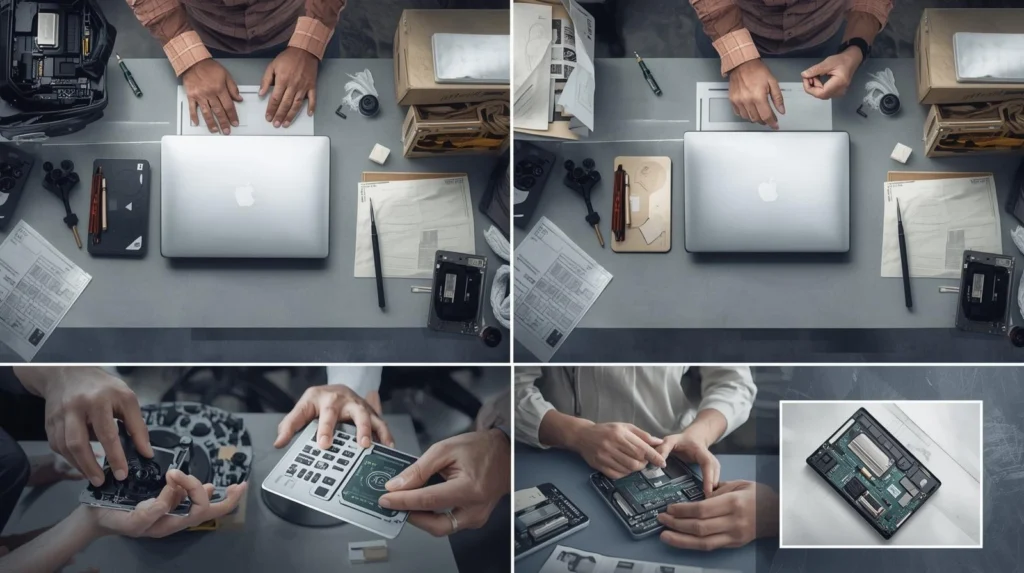
The technician begins by inspecting the laptop’s physical components. This includes checking for visible damage such as broken screens, dents, or loose ports. They’ll also examine the cooling system, ensuring that the laptop’s fan is functioning properly to prevent overheating.
Step 2: Software and Operating System Check
Once the external components are ruled out, the technician will boot up your laptop and perform a series of software diagnostics. This typically includes running anti-malware scans, checking for corrupted files, and verifying the functionality of the operating system. They’ll also check for any system updates that might be missing or needed.
Pro Tip: Regular software updates are often overlooked but can make a significant difference in your laptop’s overall performance. If you’re neglecting these updates, it could be a major cause of lag and crashes.
How Do They Check for Hardware Failures?
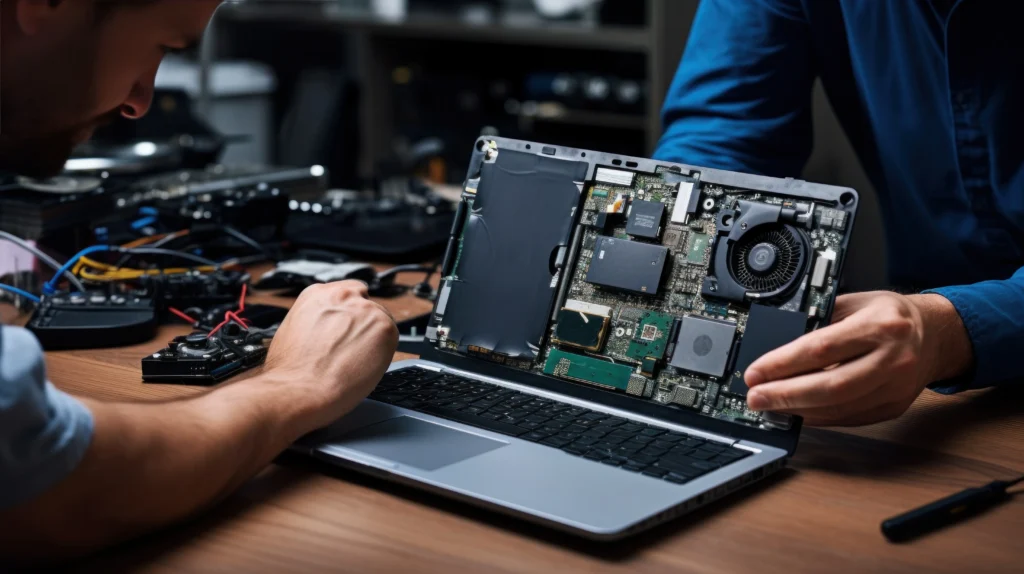
One of the most important parts of laptop diagnostics is evaluating its internal hardware. Many laptop issues stem from failing components such as hard drives, memory (RAM), or the motherboard.
Step 3: Running Hardware Diagnostics
The technician will run a series of tests on your laptop’s hardware components. These tests include checking the CPU, RAM, hard drive, battery, and GPU. Specialized diagnostic tools help detect any hardware failures that might not be obvious to the user. For example, a failing hard drive can often be missed unless a stress test is performed.
Real-World Example: In one case, a Las Vegas-based entrepreneur brought in a laptop with an apparent “overheating” problem. After running hardware diagnostics, the technician discovered that the laptop’s hard drive was malfunctioning, which led to performance issues and overheating. A simple hard drive replacement solved the problem entirely.
What Are Common Problems Detected During Diagnostics?
During the diagnostic session, the technician might uncover a variety of issues ranging from software glitches to hardware failures. Here are some common problems they find:
- Slow Performance: Often caused by a cluttered hard drive, outdated drivers, or malware infections.
- Overheating: Common in older laptops, typically due to dust buildup in the cooling system or malfunctioning fans.
- Battery Drain: A common issue where the battery doesn’t hold a charge for long due to old age or manufacturing defects.
- Startup Failures: Could be a result of corrupted system files, a malfunctioning hard drive, or software conflicts.
- Physical Damage: Cracked screens, broken keyboards, and faulty charging ports are common issues.
What Happens After Diagnostics? Can I Expect a Repair?
Step 4: Providing Solutions and Repair Options
Once the diagnostics are completed, the technician will review their findings with you and suggest solutions. This might involve repairing or replacing faulty hardware, updating or reinstalling software, or both. In some cases, if a hardware failure is detected, the technician may recommend replacing the faulty part—like a new hard drive, RAM, or a cooling fan.
In Las Vegas, where many people rely on their laptops for both work and leisure, getting a fast and accurate repair can save both time and money.
Pro Tip: If the technician recommends a costly repair that exceeds the value of your laptop, it might be a good idea to evaluate whether investing in a new device is more cost-effective.
How Long Does a Professional Laptop Diagnostic Take?
Is your laptop repair urgent?
The time it takes to complete a diagnostic session can vary depending on the severity of the issue. A basic diagnostic checkup typically takes between 30 minutes to an hour. However, if hardware issues are suspected, the process could take up to 3-4 hours, especially if the technician needs to disassemble the laptop or run extensive diagnostic tests.
If you’re in a rush, it’s always a good idea to check with your technician beforehand to see if expedited services are available.
What Is the Cost of Professional Laptop Diagnostics?
How much will a laptop diagnostic service cost in Las Vegas?
The cost of a professional laptop diagnostic service in Las Vegas can range between $50 to $150, depending on the type of service and whether any repairs or part replacements are needed. Typically, if you proceed with the repairs after the diagnostic, the cost of the diagnostic is often credited toward the repair fee.
It’s essential to choose a reputable service provider that offers a clear breakdown of fees and a guarantee on their work. Many tech shops offer competitive rates for diagnostic services and have positive reviews from local clients.
Real-World Example: A tech repair shop in Las Vegas found that a significant portion of their clients required diagnostics due to issues with laptop cooling systems. By offering a diagnostic service for $60, they were able to identify and fix overheating problems without customers spending unnecessarily on full replacements.
Conclusion: Why Should You Consider Professional Laptop Diagnostics?
In today’s fast-paced world, having a reliable laptop is essential. Whether you’re a business owner in Las Vegas or someone working remotely, a malfunctioning laptop can be a significant hindrance. Professional laptop diagnostics offer an in-depth, efficient way to pinpoint and solve your laptop’s issues. By opting for expert troubleshooting, you not only avoid costly repairs but also ensure that your device runs smoothly for years to come.
If you’re facing any laptop troubles, booking a diagnostic service can be your first step toward solving the problem. It’s a small investment that saves you time, money, and frustration.
FAQ Section
- What is the difference between a laptop diagnostic and a repair?
A diagnostic is a service that identifies issues within the laptop, whereas a repair fixes the problems found. A diagnostic is usually done first to determine the required repairs. - How often should I get my laptop diagnosed?
Ideally, a laptop should be diagnosed if it starts showing performance issues, like slowness or frequent crashes. Regular checkups every 6-12 months are recommended to catch potential problems early. - Can laptop diagnostics detect software issues?
Yes, laptop diagnostics can identify software issues such as corrupted files, missing drivers, and malware infections that may be affecting the laptop’s performance. - Will my data be safe during laptop diagnostics?
Professional technicians take precautions to keep your data secure. However, it’s a good idea to back up your data before any major repairs or diagnostics, just in case. - Can diagnostics identify issues with my laptop’s battery?
Yes, technicians will run tests to check the health of your laptop’s battery, identifying issues such as rapid drainage or failure to charge.
By understanding the diagnostic process, you can make informed decisions about your laptop’s health, ensuring it remains in top shape for years to come.